Highlight
Every city you work with
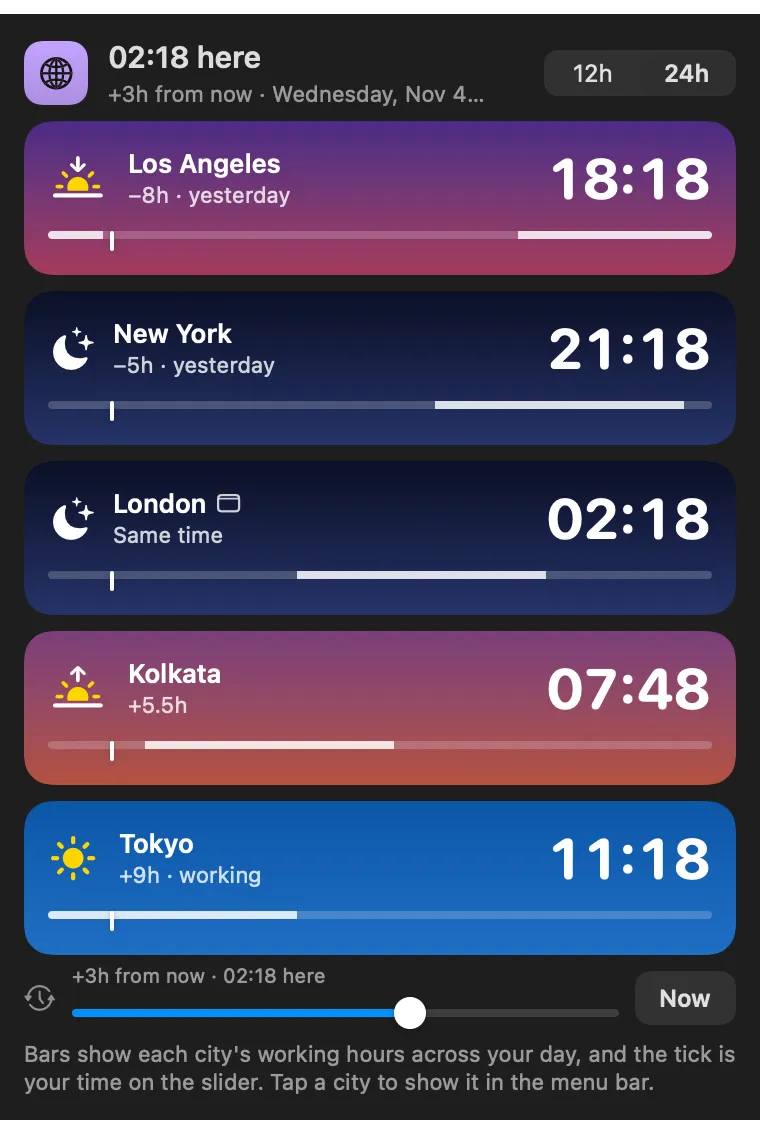
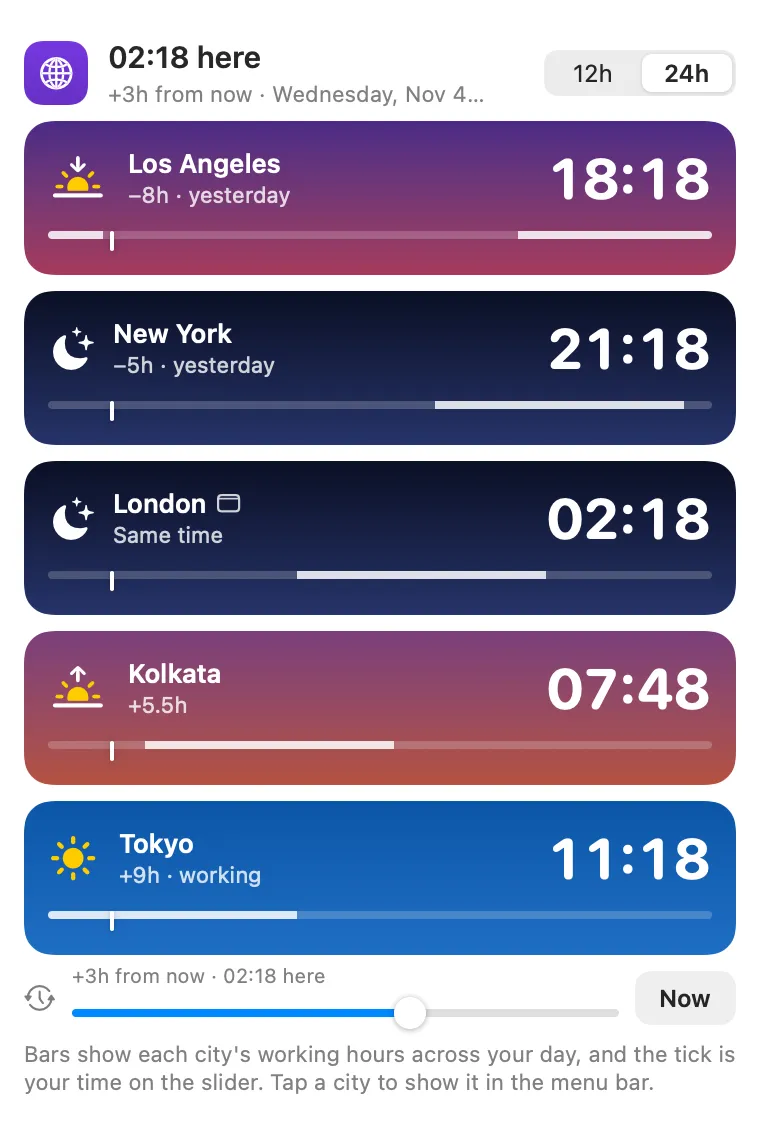
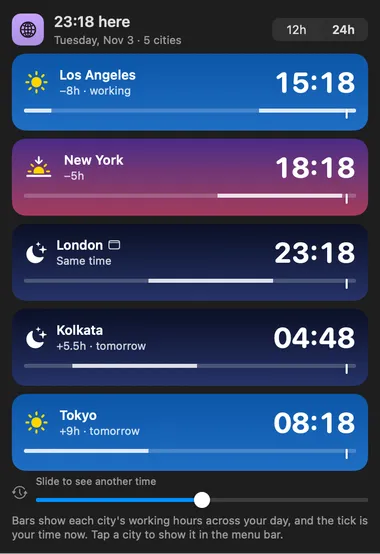
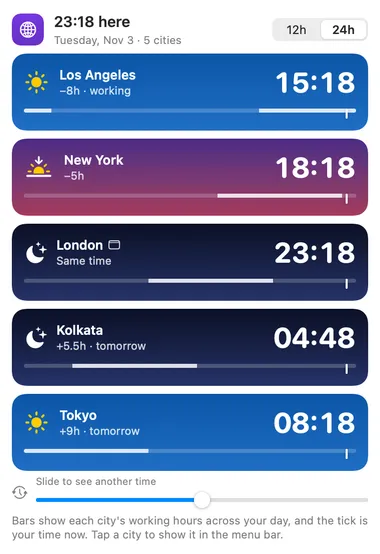
Each city shows its offset from you, whether it is already tomorrow there, and whether it is working hours.

About
The time in the cities you work with. The menu bar shows one city; the panel lists them all with the offset from you, whether it is already tomorrow or still yesterday there, and whether it is working hours (weekdays, 9 to 18 by default).
Highlight
Each city shows its offset from you, whether it is already tomorrow there, and whether it is working hours.
Panel
Slide up to 12 hours either way and every clock moves with you, so you can see what 3pm here means for everyone. Now puts it back.
Highlight
Add Tokyo or Asia/Tokyo, and pick which city the menu bar shows.
Desktop widget
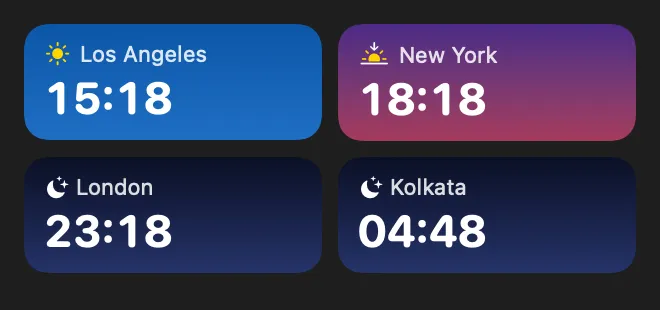
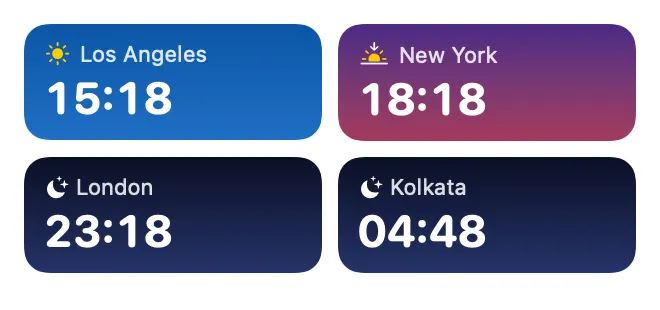
A widget keeps your cities on the desktop.
Gallery
From anywhere
Every command is in Stackbar's palette, and can have its own hotkey, a stackbar:// link, or a Shortcuts action.
Inside
the cities (type a time zone like Asia/Tokyo, or a city name like Tokyo), which one the menu bar shows, 12- or 24-hour time, and your working hours.
tap a city to show it in the menu bar. The time-travel slider moves every clock up to 12 hours either way in half-hour steps, so you can see what time it is everywhere when it's 3pm here; Now puts it back. The menu bar and widget always show the real time.
times returns the time in every city.
Install
Don't have Stackbar yet? Download it free.
stackbarctl install --index https://navbytes.github.io/stackbar-plugins/index.json io.navbytes.stackbar.plugins.world-clockVersion history