Highlight
A letter for every app
Hold Right ⌘ and press S for Safari, X for Xcode. Press again to cycle through apps that share a letter, or to hide the app in front.
Hold Right ⌘ and press an app's first letter to switch to it. Press again to cycle or hide.
About
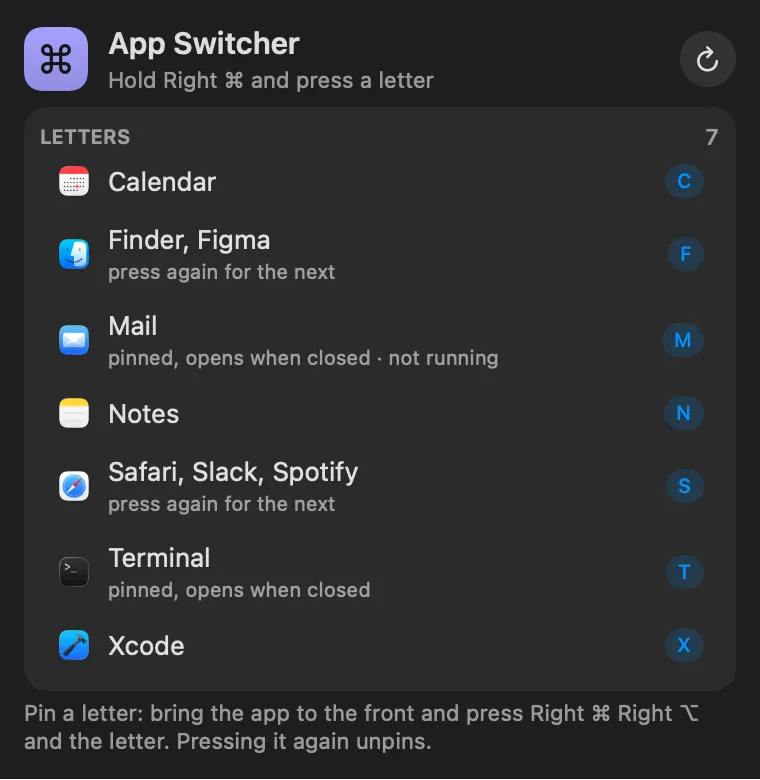
Switch apps without ⌘Tab. Hold Right ⌘ and press an app’s first letter: S for Safari, X for Xcode. If several apps share a letter, pressing it again moves to the next one. If only one does and it’s already in front, pressing it again hides it (or shows its next window, if you prefer). Letters with no app pass through, so Right ⌘ C still copies.
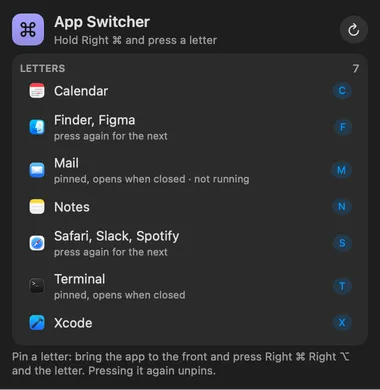
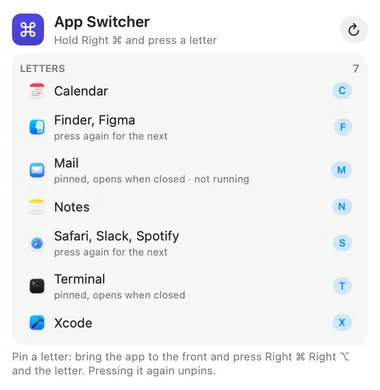
To pin a letter, bring an app to the front and press Right ⌘ ⌥ plus the letter. A pinned letter opens the app even when it isn’t running. Hold Right ⌘ on its own for a moment to see the whole letter map.
Highlight
Hold Right ⌘ and press S for Safari, X for Xcode. Press again to cycle through apps that share a letter, or to hide the app in front.
Highlight
Right ⌘ ⌥ plus a letter pins the app in front to it. A pinned letter opens the app even when it isn't running.
Highlight
Letters with no app pass straight through, so Right ⌘ C still copies. Hold Right ⌘ on its own to see the whole letter map.
Gallery


From anywhere
Every command is in Stackbar's palette, and can have its own hotkey, a stackbar:// link, or a Shortcuts action.
Claude and other agents can call these over MCP while Stackbar runs:
lettersInside
the key you hold (Right ⌘, ⌥, ⌃ or ⇧), what pressing the letter of the app in front does, the letter map, automatic letters, and opening pinned apps.
jumping between Spaces, a window grid, and searching for apps by name (Spotlight does that). While an app has Secure Input on, such as in a password field, macOS blocks every keyboard listener. The panel tells you which app has it on.
Install
Don't have Stackbar yet? Download it free.
stackbarctl install --index https://navbytes.github.io/stackbar-plugins/index.json io.navbytes.stackbar.plugins.app-switcherVersion history