Panel
A real break between sessions

About
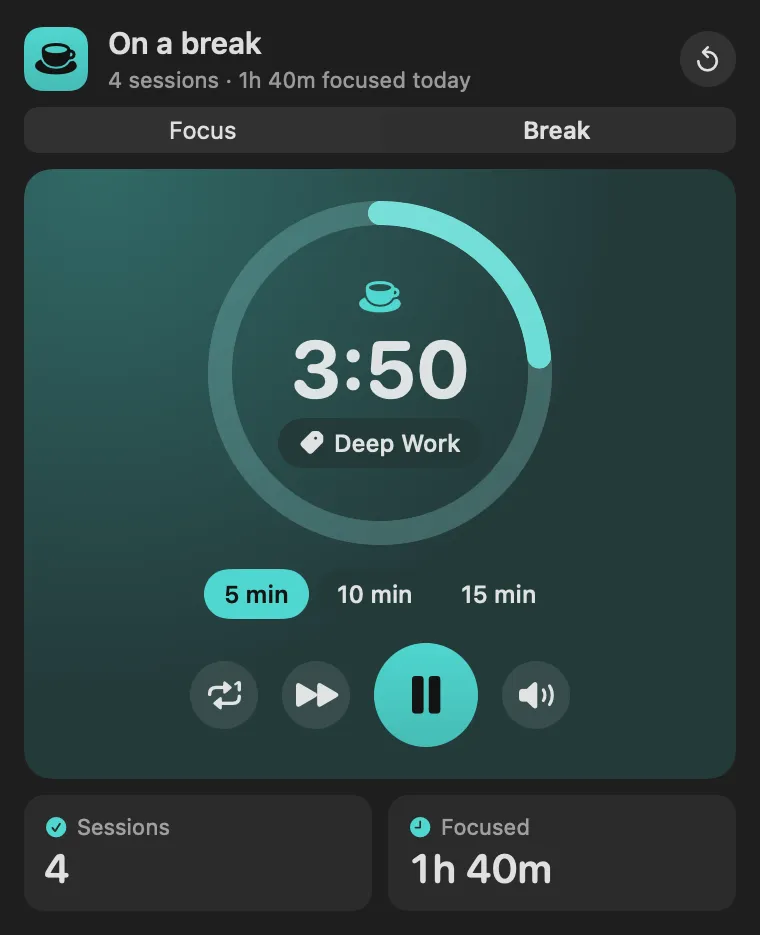
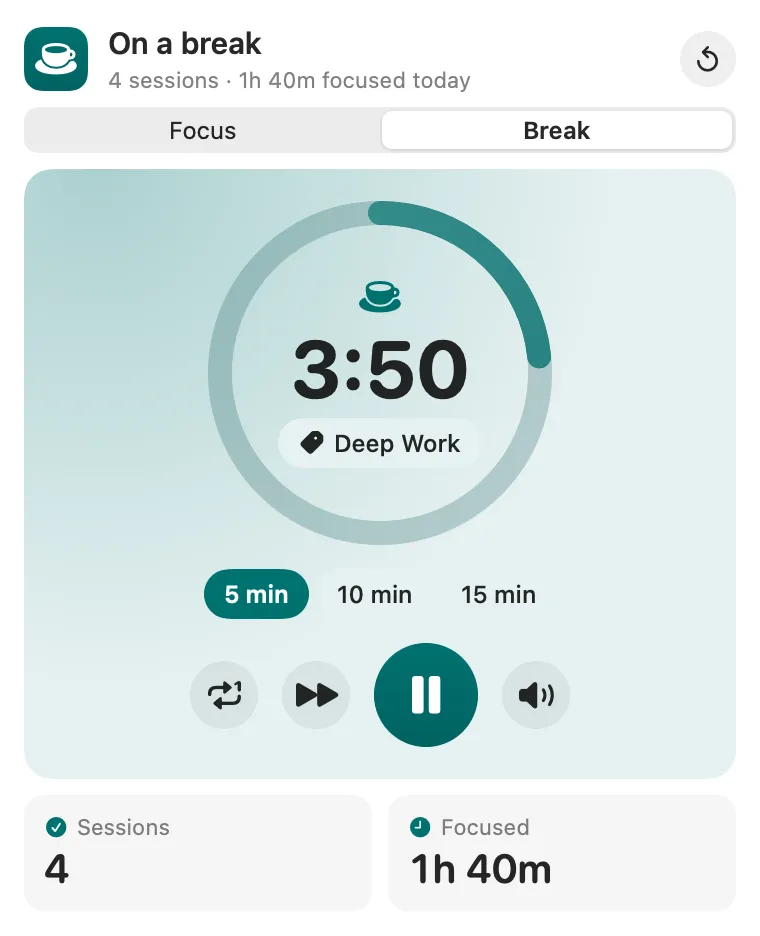
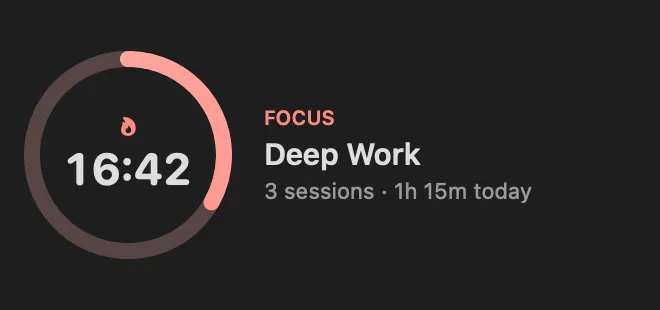
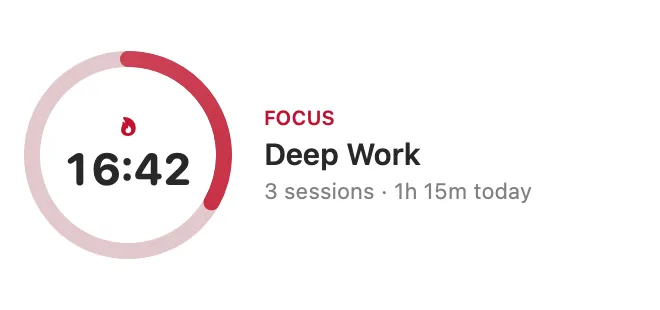
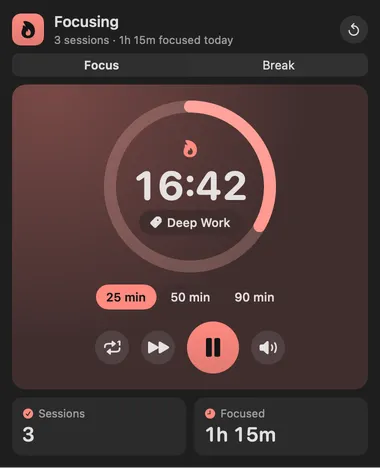
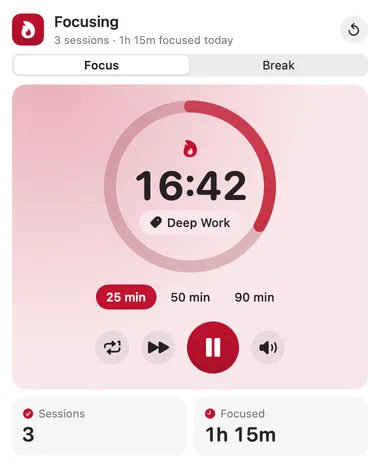
A focus timer in the Stackbar look: red for focus, teal for breaks. Pick Focus or Break, a preset (25, 50 or 90 minutes of focus; 5, 10 or 15 of break), and press play. The countdown and the ring around it move on their own, the menu bar shows the time left (dimmed behind a pause sign while paused), and a chime and a notification mark the end. Today’s finished sessions and focused minutes sit under the timer.
Panel
Desktop widget
Gallery


From anywhere
Every command is in Stackbar's palette, and can have its own hotkey, a stackbar:// link, or a Shortcuts action.
Inside
the tag chip cycles through your tags; skip ends the session without counting it; Auto starts the next session on its own; the note turns the sound on or off; reset clears the timer.
once a session is a minute in, a mode, preset, skip or reset tap asks first, with a banner to confirm or keep going.
custom focus and break lengths, auto-start, the sound, and your tags.
status returns the mode, the time left and today's focus.
Install
Don't have Stackbar yet? Download it free.
stackbarctl install --index https://navbytes.github.io/stackbar-plugins/index.json io.navbytes.stackbar.plugins.pomodoroVersion history