Highlight
One keystroke from anything you copied
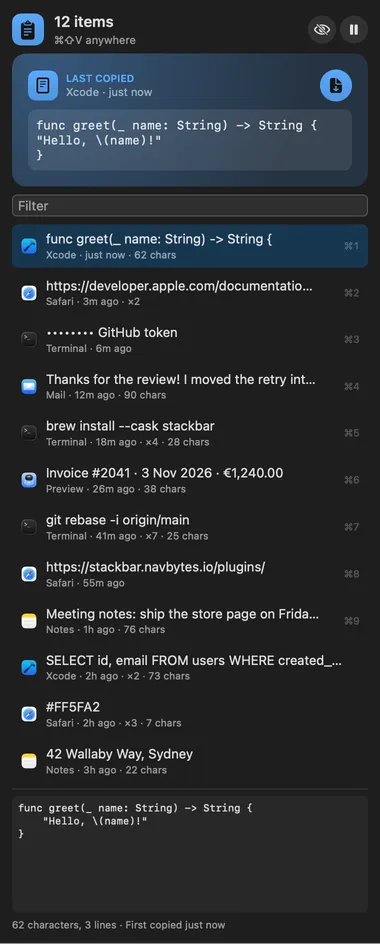
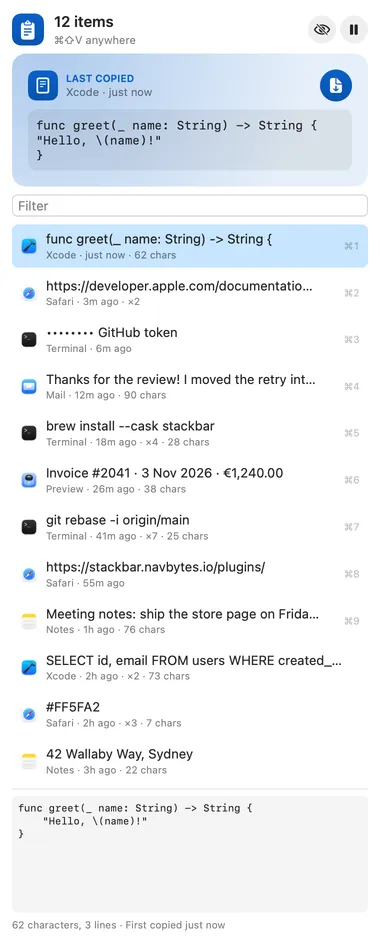
⌘⇧V opens your history from anywhere. Type to filter, then Return pastes it into the app you were in. ⌥Return pastes it as plain text.

About
Everything you copy, searchable, pinnable and one keystroke from being pasted back. ⌘⇧V opens it from anywhere: type to filter, ↑↓ and Return (or ⌘1 to ⌘9) to paste into the app you were in, ⌥Return to paste as plain text, ⌘P to pin and ⌥⌫ to delete. Formatted text keeps its formatting, and images are kept by the host and pasted back.
Highlight
⌘⇧V opens your history from anywhere. Type to filter, then Return pastes it into the app you were in. ⌥Return pastes it as plain text.
Panel
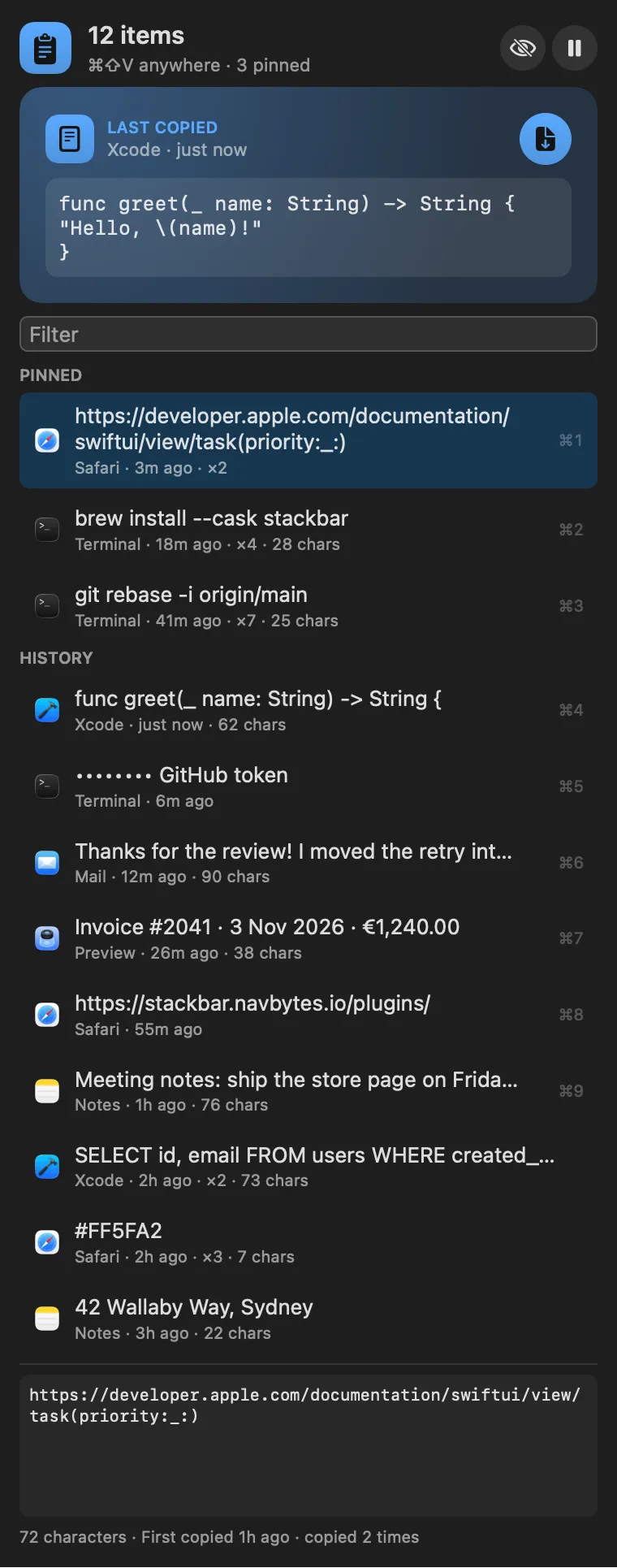
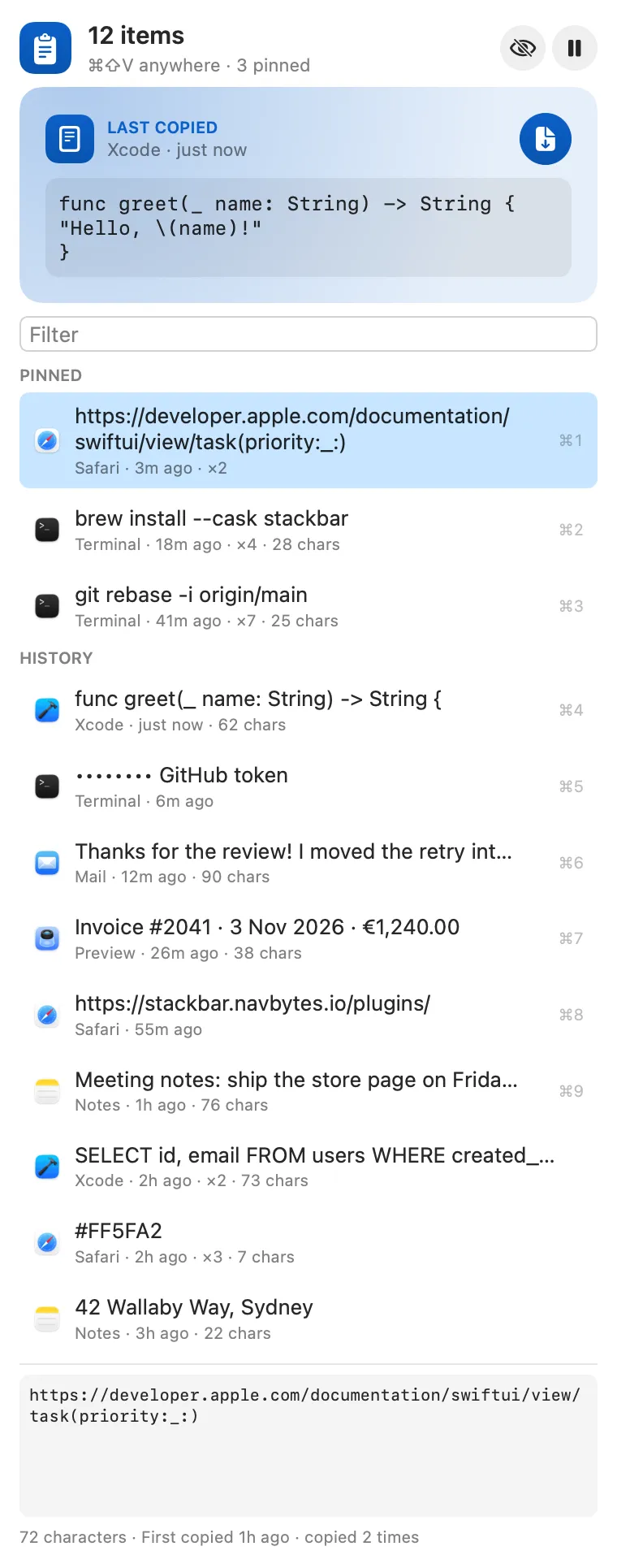
Pinned items stay at the top and are never pushed out by new copies.
Highlight
Copies from password managers are skipped. Anything that looks like a token, key or card number is masked, kept away from agent tools, and dropped after 15 minutes unless you pin it.
Window
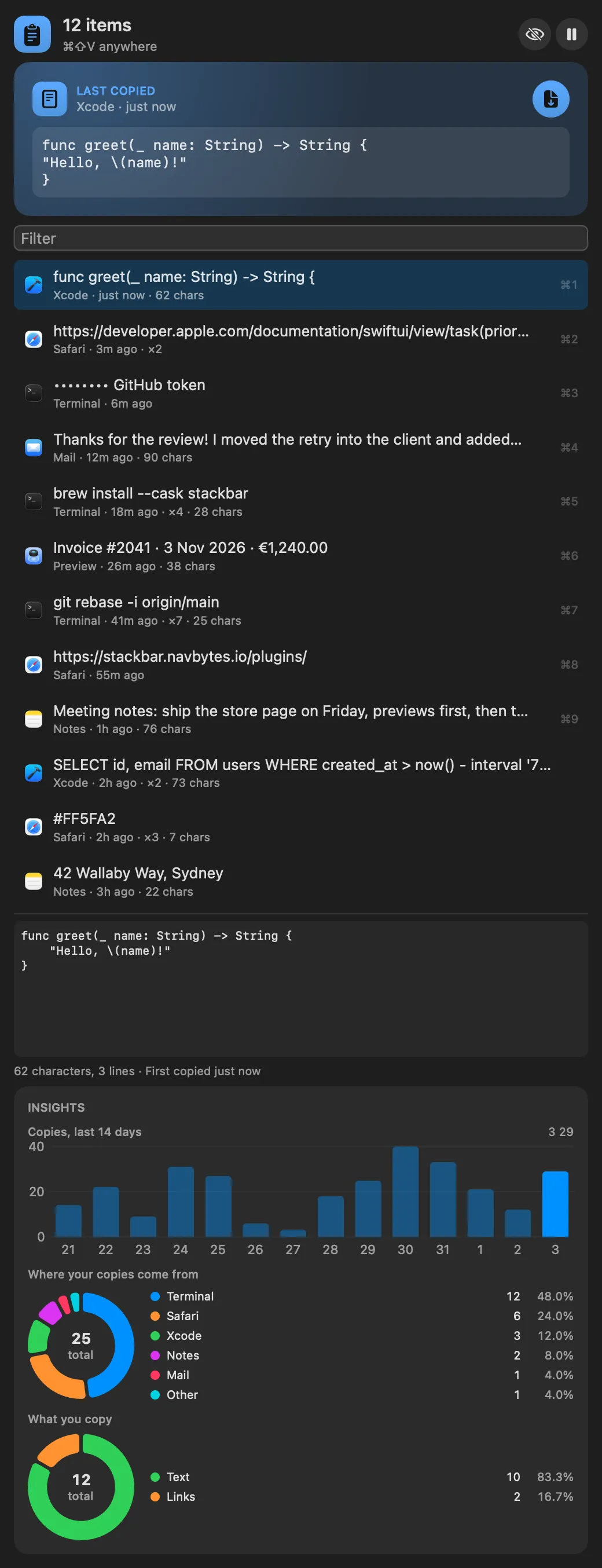
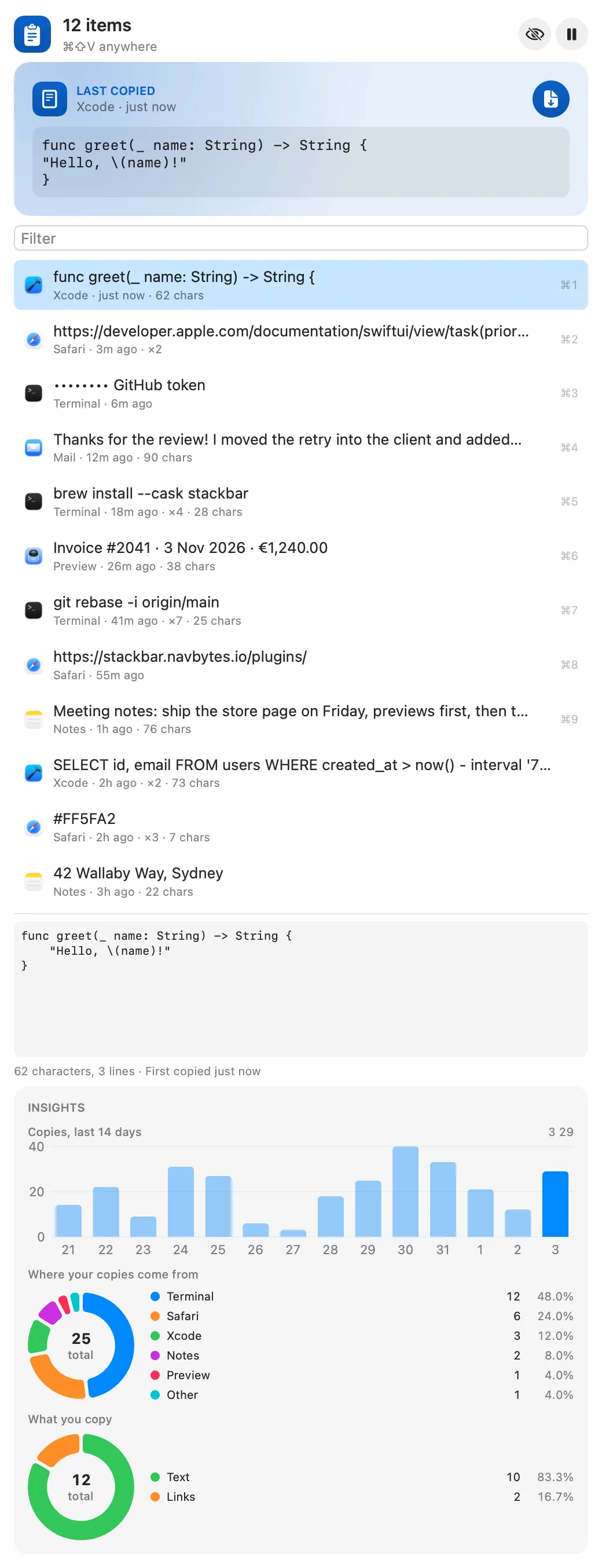
The window shows how much you copy, and from which apps.
Gallery


From anywhere
Every command is in Stackbar's palette, and can have its own hotkey, a stackbar:// link, or a Shortcuts action.
Claude and other agents can call these over MCP while Stackbar runs:
recent_clipssearch_clipscopy_clipInside
how many items to keep, the order, pasting directly or only copying, keeping images, plain text by default, how long to keep secrets (not at all, 5 minutes to an hour, or like any copy), apps and text patterns to ignore, and pausing the history.
Install
Don't have Stackbar yet? Download it free.
stackbarctl install --index https://navbytes.github.io/stackbar-plugins/index.json io.navbytes.stackbar.clipboardVersion history