← All plugins
Productivity

Music

What's playing in Music or Spotify, with play, pause, skip and volume.

  • Signed by navbytes
  • Runs in its own sandbox
  • v1.3.0
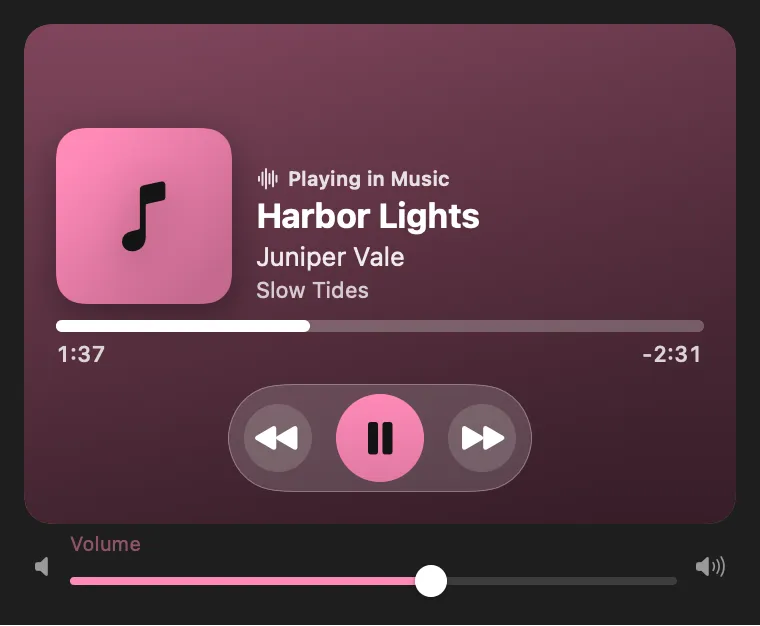
Music: What's playing, with controls a click away

About

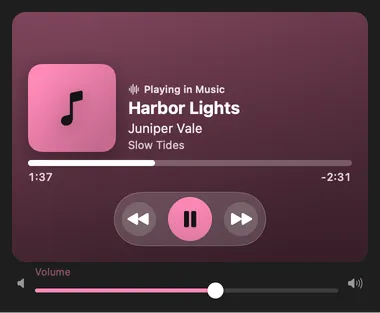
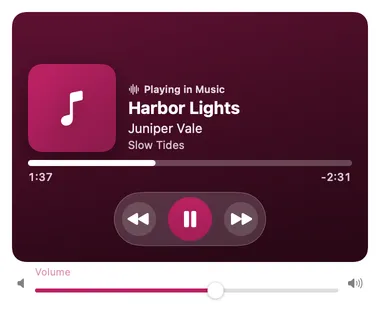
What’s playing in Music or Spotify, in the menu bar. Click it to play or pause; right-click for the panel with the track, Previous, Next and volume.

Desktop widget

Now playing, on your desktop

Music: Now playing, on your desktopMusic: Now playing, on your desktop

From anywhere

Run it without opening it.

Every command is in Stackbar's palette, and can have its own hotkey, a stackbar:// link, or a Shortcuts action.

Inside

Everything it does.

How it checks

every 5 seconds, and only players that are already running; it never opens one.

Settings

which player to follow (whichever is playing, Music or Spotify) and what the menu bar shows (title and artist, title, or just the icon).

Agent tool

now_playing describes the current track.

Install

Two clicks in Stackbar.

  1. Open it in Stackbar, or open Stackbar → Settings → Store and find Music.
  2. Choose Install.
  3. It appears in your menu bar, panel, desktop widget.

Don't have Stackbar yet? Download it free.

Or from a terminal
stackbarctl install --index https://navbytes.github.io/stackbar-plugins/index.json io.navbytes.stackbar.plugins.music
Version
1.3.0
Updated
November 4, 2026
Category
Productivity
Shows in
Menu bar, Panel, Desktop widget, Settings page
Requires
Stackbar 0.17.0 or later
Publisher
navbytes

Version history

What's new

  1. 1.3.0Latest
    • Store screenshots now show it in use, with sample data, instead of its first-run screen.
  2. 1.2.1
    • Its own icon and colour in the Store and in Settings.