Settings
bring back the starred layout when displays change, open apps that aren't running.
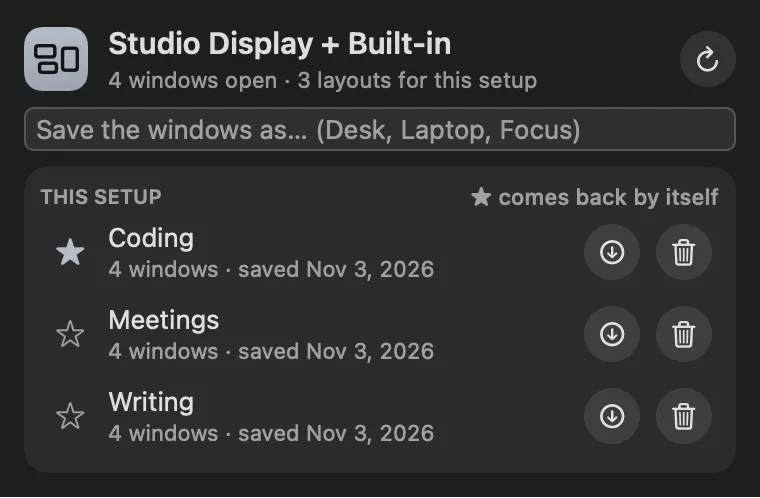
Saves where your windows are for each monitor setup, and puts them back when you dock, undock or wake.
About
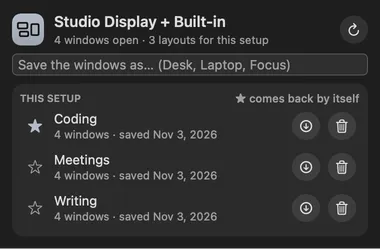
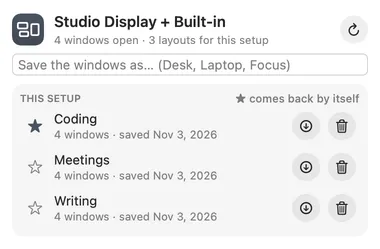
Remembers where your windows go for each monitor setup and puts them back. Arrange things the way you like at the desk, type “Desk” and press Return; do the same on the laptop alone. When you plug in or unplug a display (or wake the Mac on a different set of displays), the starred layout for that setup comes back by itself, and apps that weren’t running are opened.
Gallery


From anywhere
Every command is in Stackbar's palette, and can have its own hotkey, a stackbar:// link, or a Shortcuts action.
Claude and other agents can call these over MCP while Stackbar runs:
layoutssave_layoutrestore_layoutInside
bring back the starred layout when displays change, open apps that aren't running.
windows in full screen and on other Spaces, browser tabs, snapping and tiling (macOS does that).
Install
Don't have Stackbar yet? Download it free.
stackbarctl install --index https://navbytes.github.io/stackbar-plugins/index.json io.navbytes.stackbar.plugins.workspacesVersion history