Highlight
Join from the menu bar
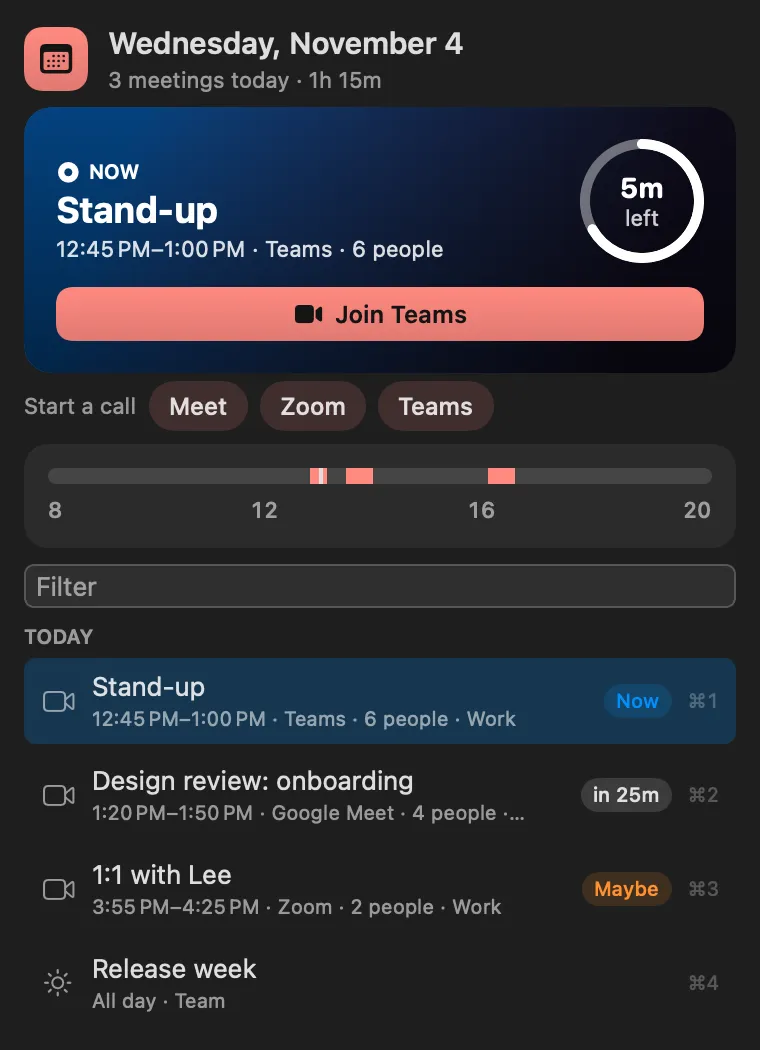
The menu bar counts down to your next meeting. One click, or ⌃⌥J from anywhere, opens the call. Up Next finds the link in the location, URL or notes for Zoom, Meet, Teams, Webex and a dozen more.
About
Your next meeting in the menu bar, with a countdown and one-click join. It finds the video link in the location, URL or notes (Zoom, Meet, Teams, Webex and a dozen more), reminds you a few minutes before, and can open the call for you when it starts.
Highlight
The menu bar counts down to your next meeting. One click, or ⌃⌥J from anywhere, opens the call. Up Next finds the link in the location, URL or notes for Zoom, Meet, Teams, Webex and a dozen more.
Highlight
It reminds you a few minutes before, can show a full-screen alert, and can open the call for you when it starts.
Window
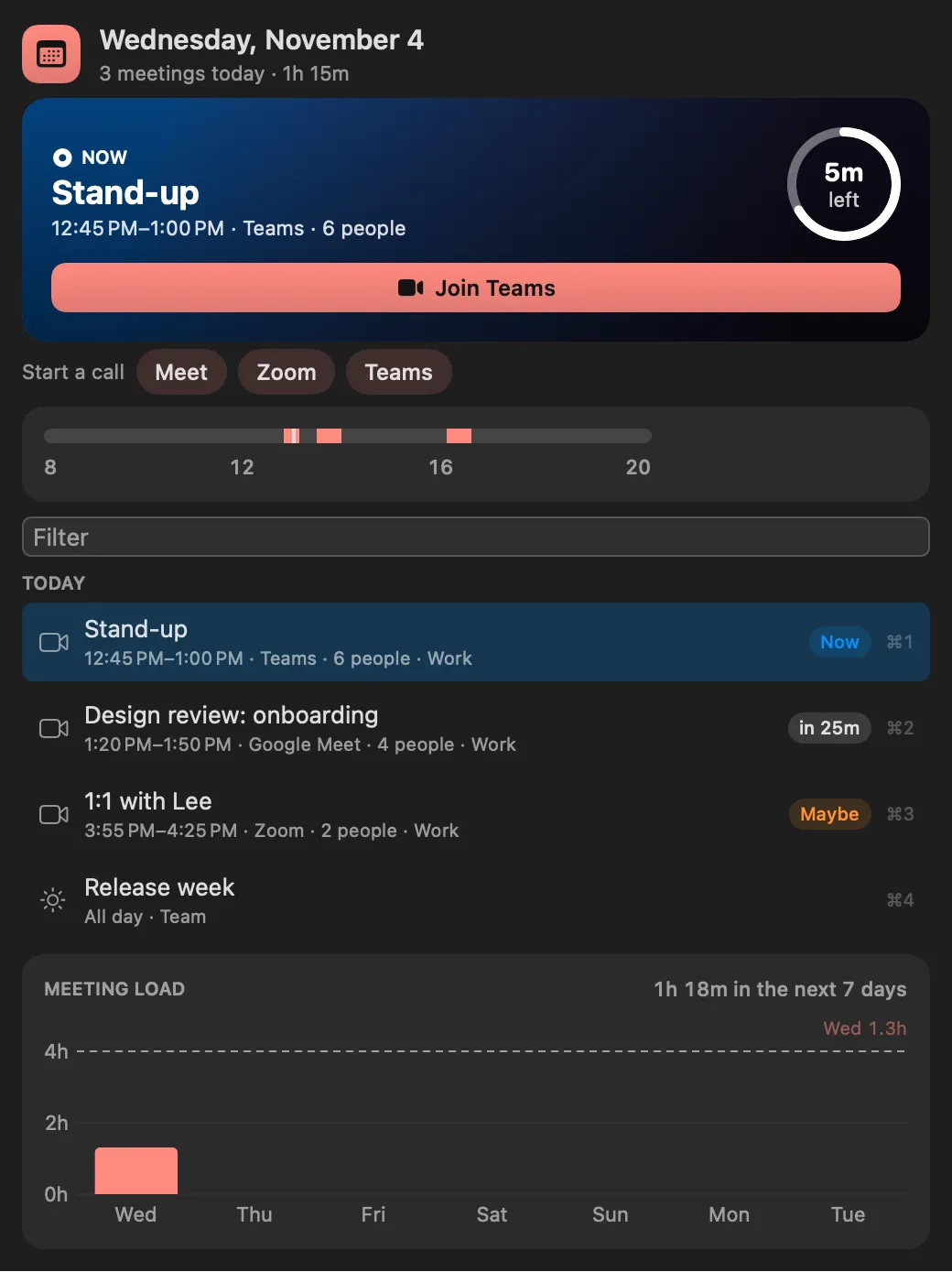
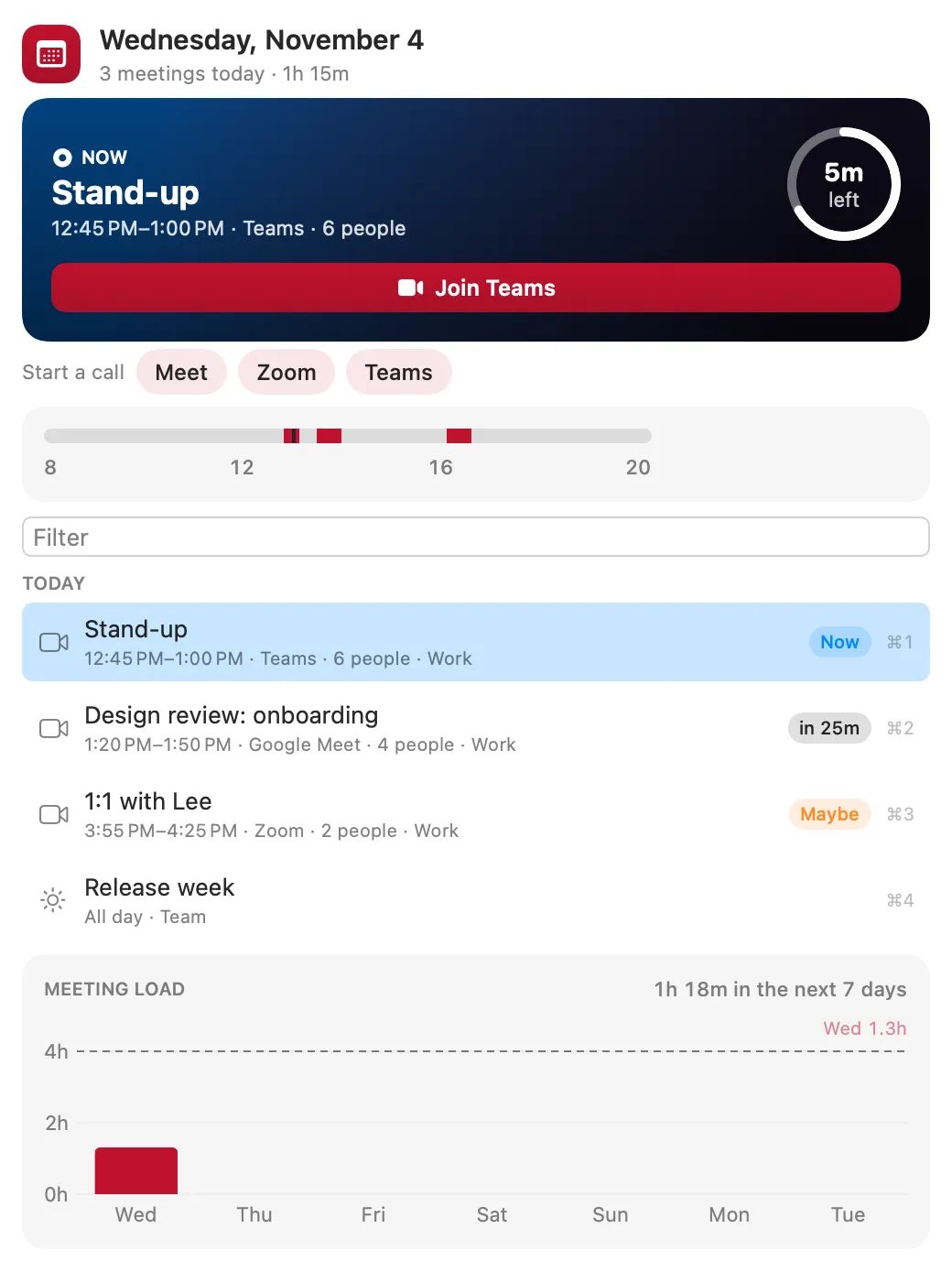
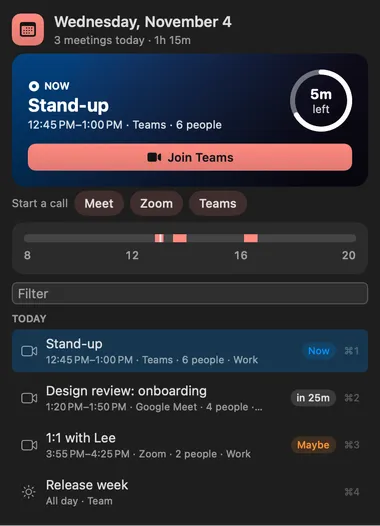
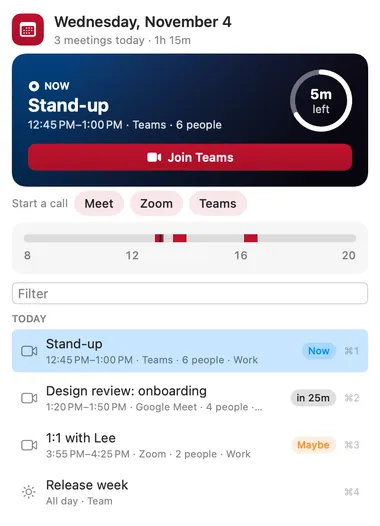
The window lays out today and the week's meeting load, so you can see a crowded afternoon coming.
Desktop widget
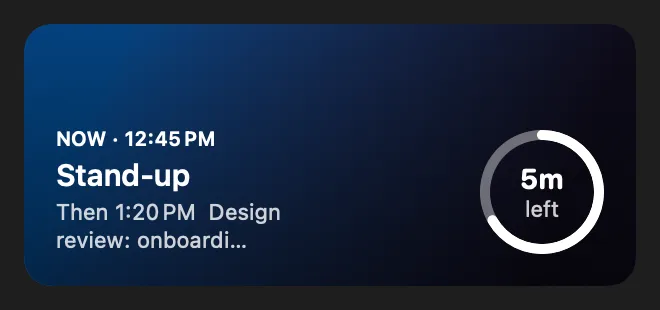
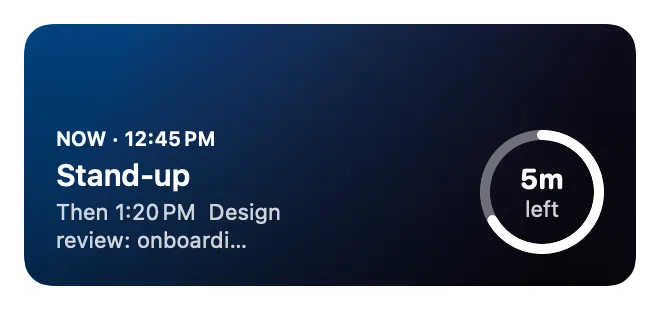
A widget keeps what's next in view without opening anything.
Gallery


From anywhere
Every command is in Stackbar's palette, and can have its own hotkey, a stackbar:// link, or a Shortcuts action.
Claude and other agents can call these over MCP while Stackbar runs:
next_meetingagendajoin_nextInside
calendars to hide, all-day and declined events, only meetings with a link or with other people, the reminder lead time, auto-join, a full-screen alert, how the title shows in the menu bar, and opening calls in their apps.
Install
Don't have Stackbar yet? Download it free.
stackbarctl install --index https://navbytes.github.io/stackbar-plugins/index.json io.navbytes.stackbar.up-nextVersion history