Settings
your snippets, and importing a Raycast export.
About
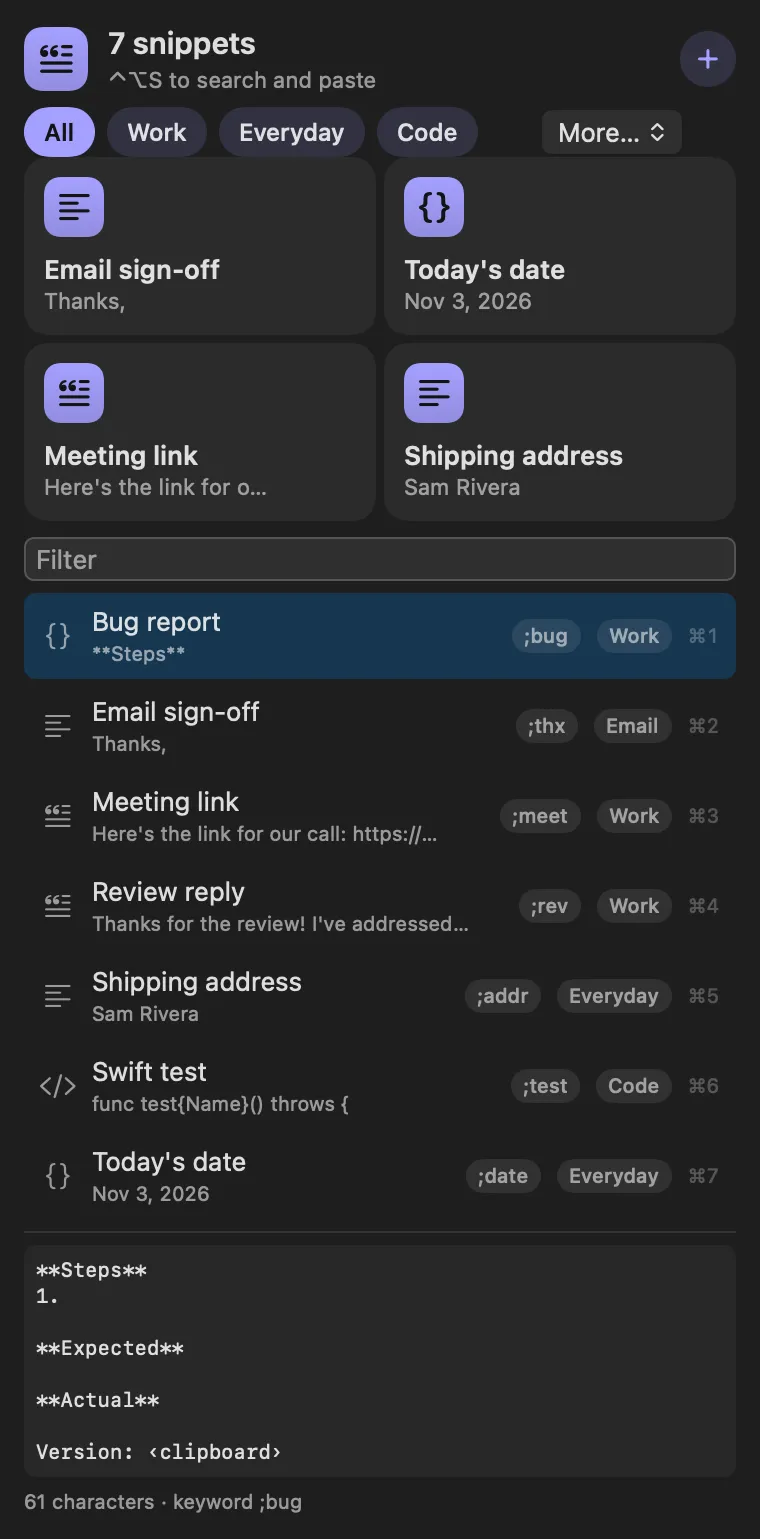
Text you paste by name, with placeholders filled in. Each snippet becomes a
command of its own that pastes into the app you were in, then puts your
clipboard back. Snippets use Raycast’s template syntax: {clipboard},
{selection}, {date format="d MMM"}, {argument name="who"} asks first,
{cursor} leaves the caret there, and {snippet name="Signature"} pulls in
another snippet.
Gallery
From anywhere
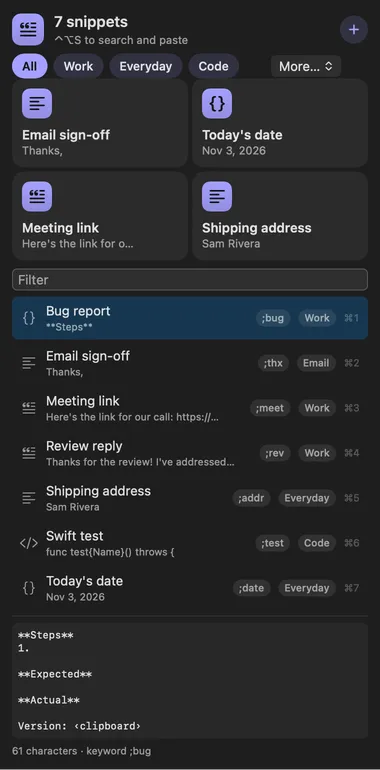
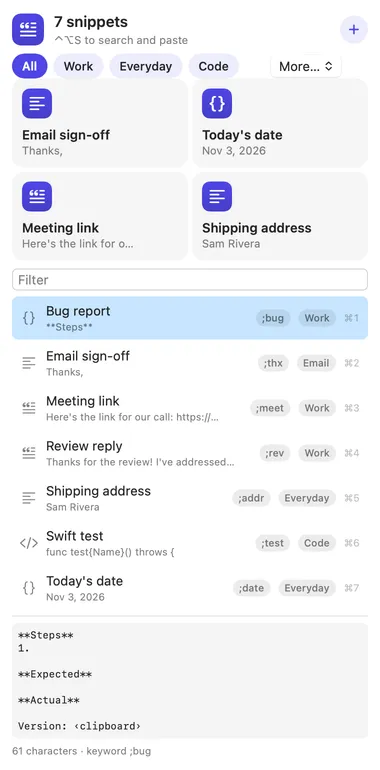
Every command is in Stackbar's palette, and can have its own hotkey, a stackbar:// link, or a Shortcuts action.
Inside
your snippets, and importing a Raycast export.
keywords are kept but not expanded as you type, because that needs a system-wide keyboard monitor.
Install
Don't have Stackbar yet? Download it free.
stackbarctl install --index https://navbytes.github.io/stackbar-plugins/index.json io.navbytes.stackbar.snippetsVersion history