← All plugins
System

Menu Search

Search the menus of the app you're in and choose an item without the mouse.

  • Signed by navbytes
  • Runs in its own sandbox
  • v1.1.0

About

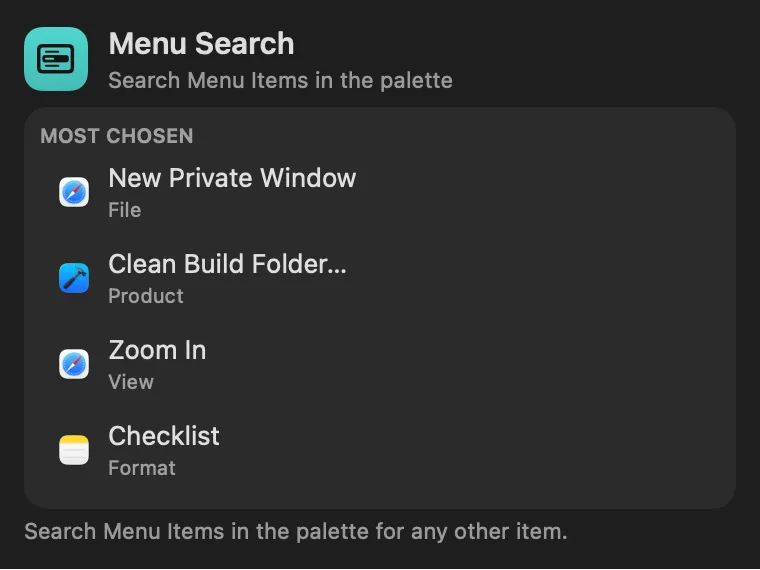
The menus of the app you’re in, searchable from the palette, as Raycast’s Search Menu Items has it. In any app, open the palette, choose Search Menu Items and type part of an item (“export”, “view zoom”). Return chooses it. Each row shows where the item lives (File › Export) and its keyboard shortcut, so you learn them as you go. The items you choose most rank higher for that app.

Panel

Every menu, a few letters away
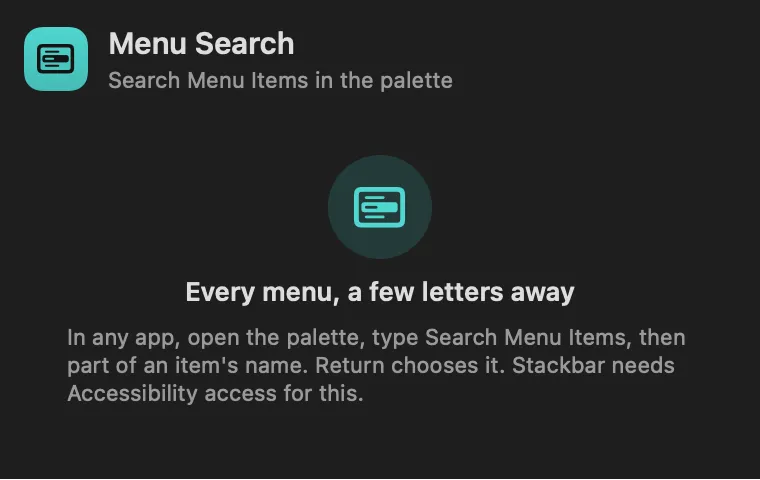
Menu Search: Every menu, a few letters awayMenu Search: Every menu, a few letters away

From anywhere

Run it without opening it.

Every command is in Stackbar's palette, and can have its own hotkey, a stackbar:// link, or a Shortcuts action.

Inside

Everything it does.

Leaves out

the Apple menu, submenu titles and separators. Dimmed items show at the bottom and can't be chosen.

Install

Two clicks in Stackbar.

  1. Open it in Stackbar, or open Stackbar → Settings → Store and find Menu Search.
  2. Choose Install.
  3. It appears in your panel.

Don't have Stackbar yet? Download it free.

Or from a terminal
stackbarctl install --index https://navbytes.github.io/stackbar-plugins/index.json io.navbytes.stackbar.plugins.menu-search
Version
1.1.0
Updated
November 8, 2026
Category
System
Shows in
Panel
Requires
Stackbar 0.31.0 or later
Publisher
navbytes

Version history

What's new

  1. 1.1.0Latest
    • Typos, initials and dots are forgiven: "zom in" finds Zoom In, "nw" finds New Window and "export..." finds Export as PDF….
    • The panel lists the menu items you choose most, across your apps. Click one to choose it again.
  2. 1.0.1
    • A failed menu read is remembered for a few seconds, so typing no longer repeats the whole menu walk on every key.
  3. 1.0.0
    • First release.