← All plugins
System

Stay Awake

Keeps your Mac awake for a while, until a time, while an app runs or on a schedule.

  • Signed by navbytes
  • Runs in its own sandbox
  • v1.4.0
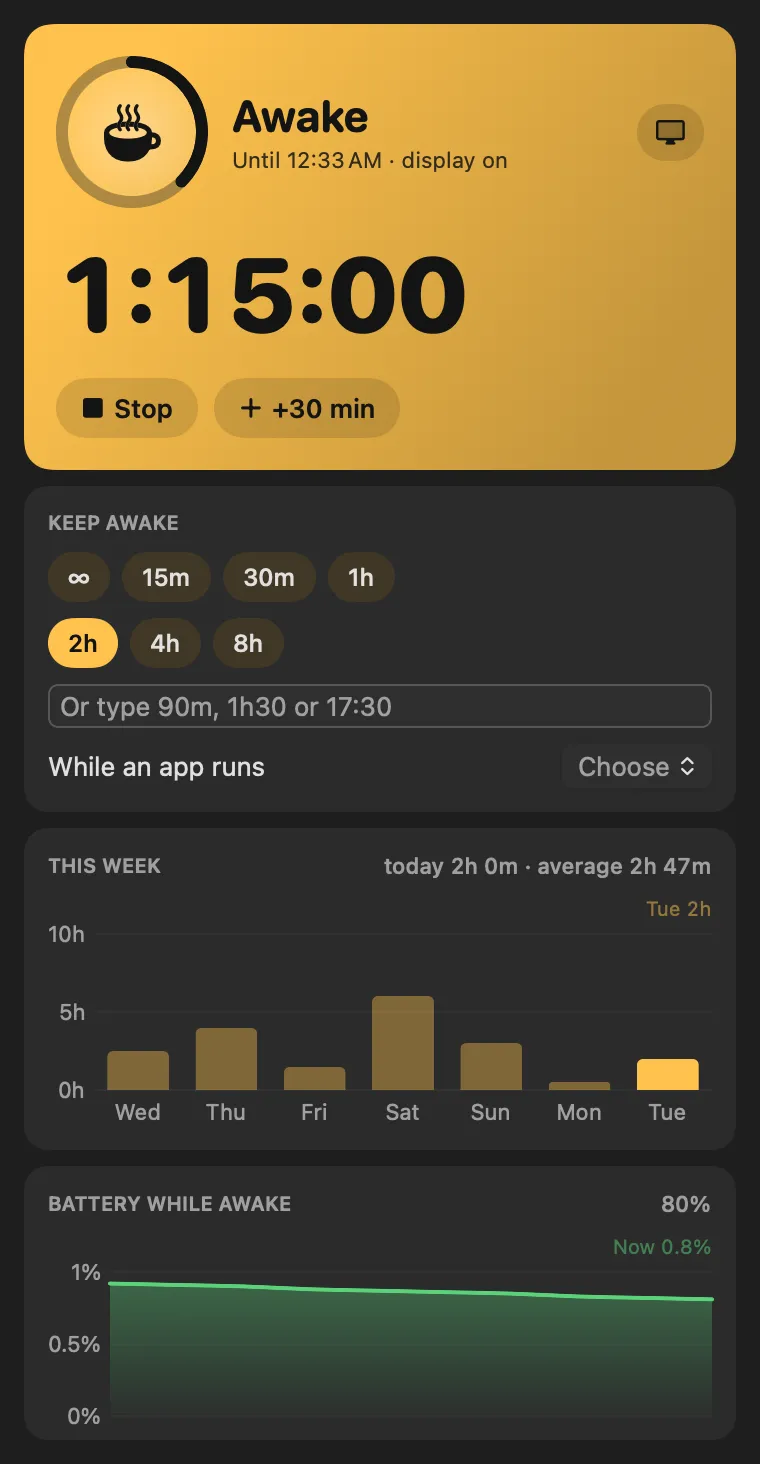
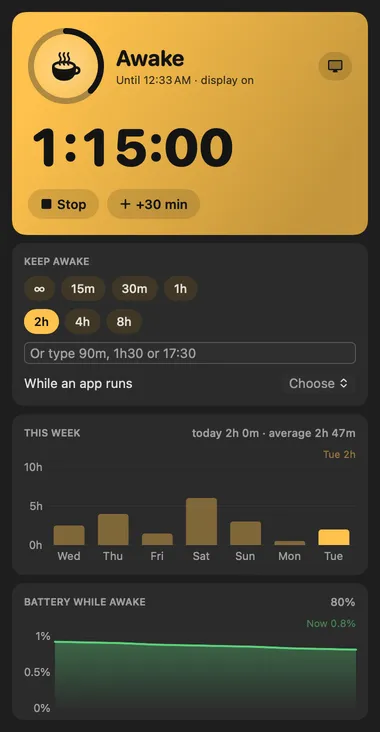
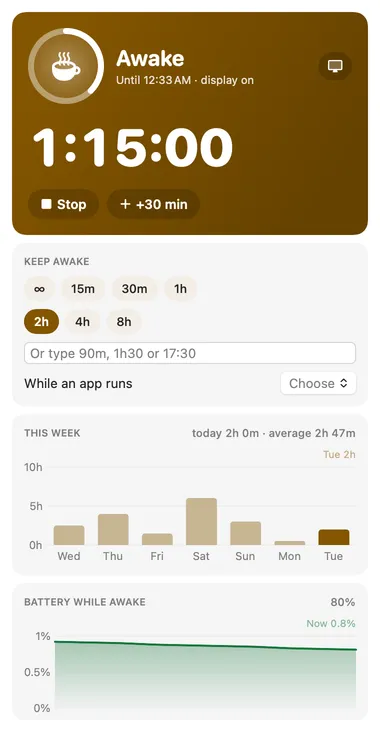
Stay Awake: Awake for the next hour, then back to normal

About

Keeps your Mac awake for a while, until a time, while an app runs, on a weekday schedule, or until you say stop. It lets go when the battery runs low, and the host releases the sleep assertion if the plugin ever stops or crashes, so it can’t leave the Mac awake by accident.

Panel

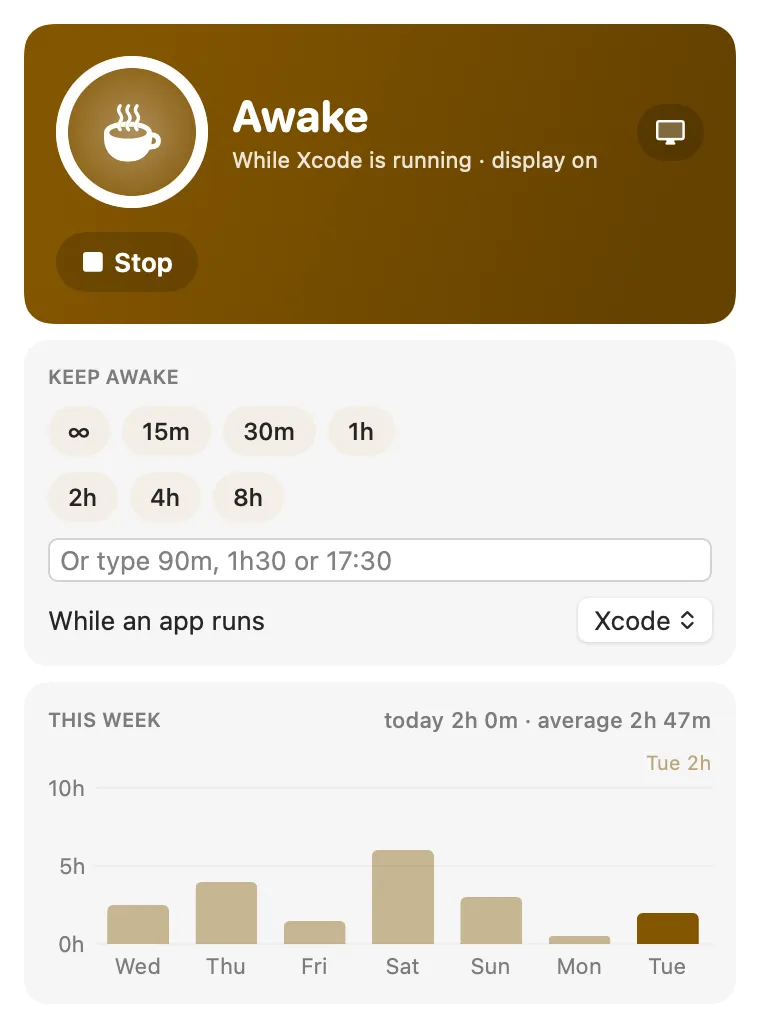
Awake while your build runs
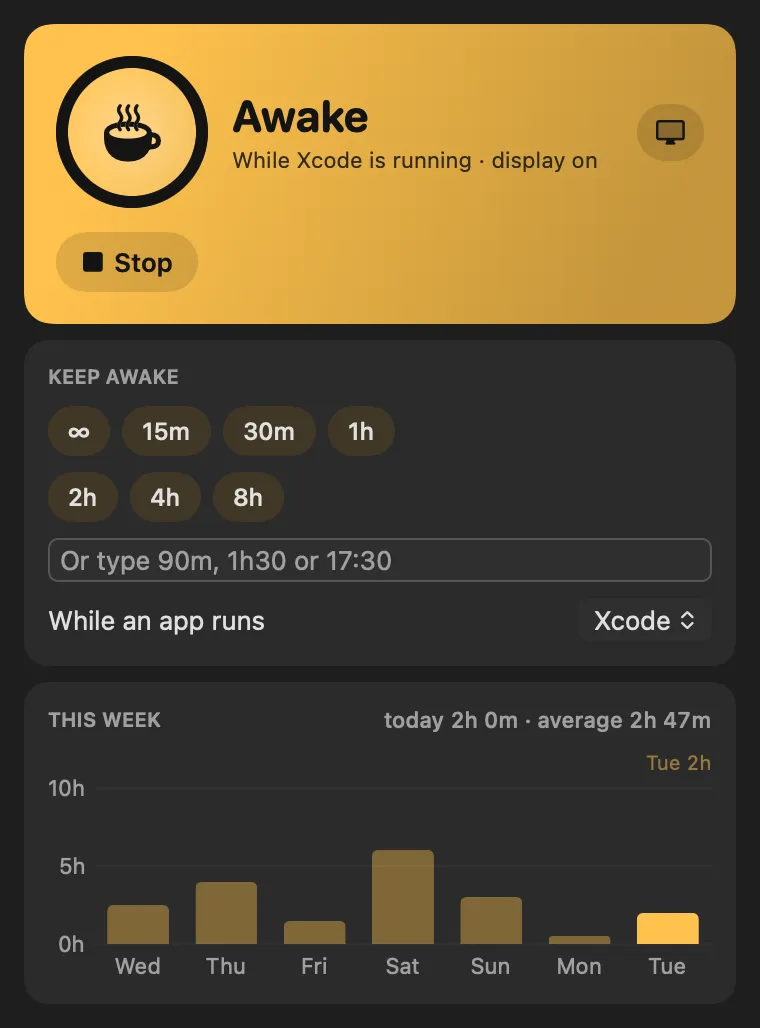
Stay Awake: Awake while your build runsStay Awake: Awake while your build runs

Desktop widget

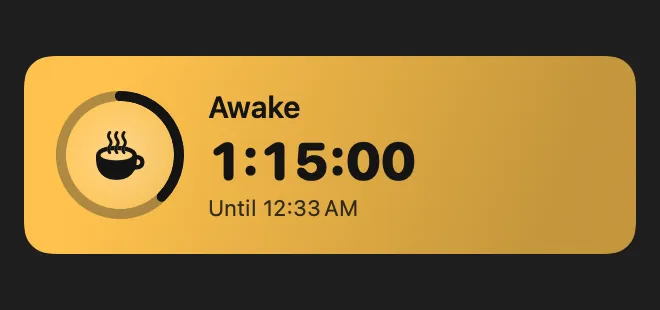
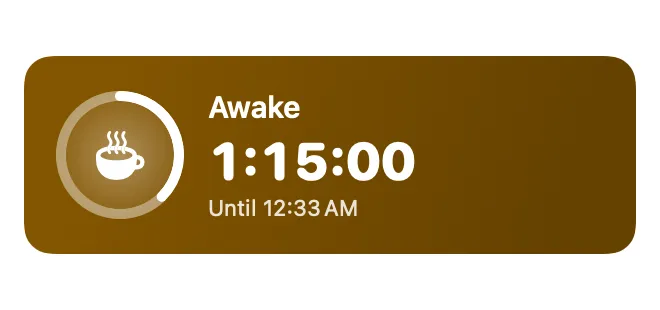
Your Mac's sleep state on the desktop

Stay Awake: Your Mac's sleep state on the desktopStay Awake: Your Mac's sleep state on the desktop

From anywhere

Run it without opening it.

Every command is in Stackbar's palette, and can have its own hotkey, a stackbar:// link, or a Shortcuts action.

Tools for your AI

Claude and other agents can call these over MCP while Stackbar runs:

  • awake_status
  • keep_awake
  • allow_sleep

Inside

Everything it does.

Settings

keep the display on, the battery floor, pausing in Low Power Mode, a notification when it ends, what a click does, a weekday schedule, and staying awake while plugged in, on an external display, on a VPN or while downloading, and whether the menu bar shows the time left as digits or a ring.

Install

Two clicks in Stackbar.

  1. Open it in Stackbar, or open Stackbar → Settings → Store and find Stay Awake.
  2. Choose Install.
  3. It appears in your menu bar, panel, desktop widget.

Don't have Stackbar yet? Download it free.

Or from a terminal
stackbarctl install --index https://navbytes.github.io/stackbar-plugins/index.json io.navbytes.stackbar.stay-awake
Version
1.4.0
Updated
November 4, 2026
Category
System
Shows in
Menu bar, Panel, Desktop widget, Settings page
Requires
Stackbar 0.17.0 or later
Publisher
navbytes

Version history

What's new

  1. 1.4.0Latest
    • Store screenshots now show it in use, with sample data, instead of its first-run screen.
  2. 1.3.1
    • Its own icon and colour in the Store and in Settings.