← All plugins
System

Applications

Open any app or System Settings pane from the command palette by typing a few letters.

  • Signed by navbytes
  • Runs in its own sandbox
  • v1.2.2
Applications: Every app a few letters away

About

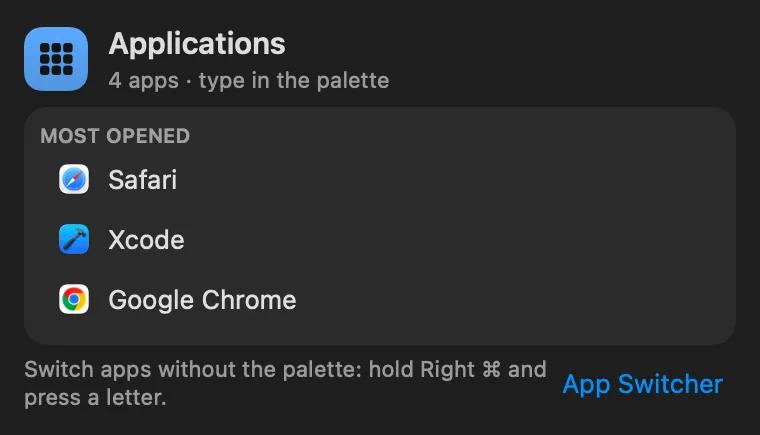
Your apps and System Settings panes in the command palette, as Spotlight and Raycast have them. Type a few letters (“saf”, “vsc”, “wi-fi”) and the app comes first in the results; Return opens it, ⌘K copies its path or bundle id. The ones you open most rank higher. Search Applications lists them all.

Panel

System Settings panes too
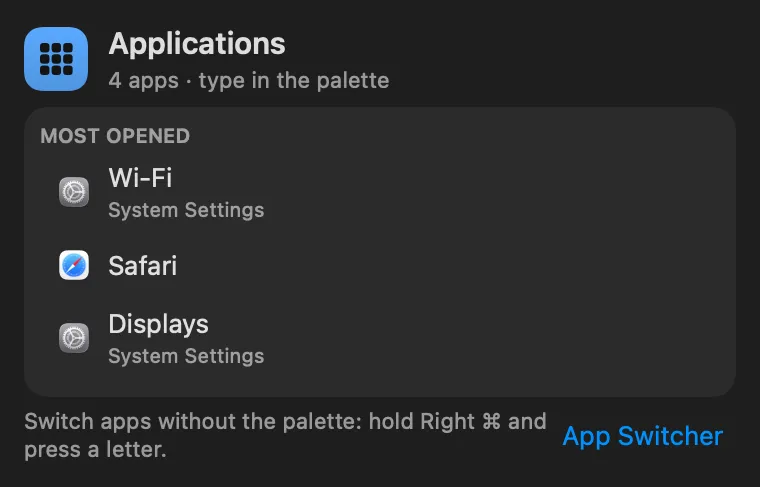
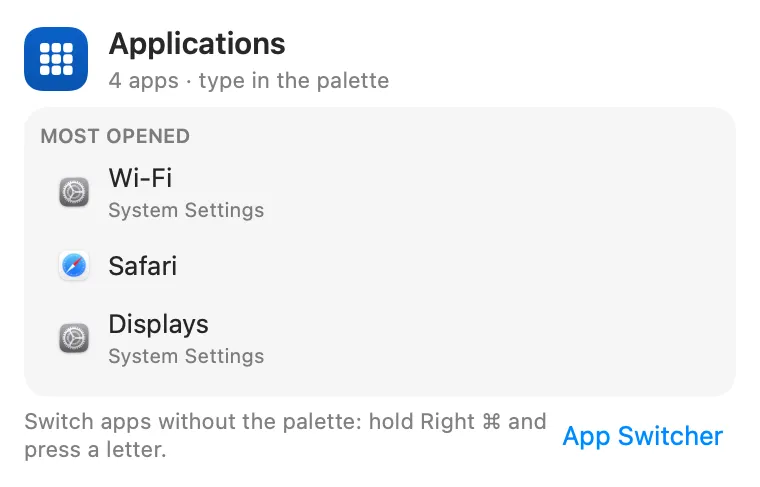
Applications: System Settings panes tooApplications: System Settings panes too

From anywhere

Run it without opening it.

Every command is in Stackbar's palette, and can have its own hotkey, a stackbar:// link, or a Shortcuts action.

Inside

Everything it does.

Looks in

/Applications (one folder deep), ~/Applications and the system's own apps, plus every pane System Settings lists.

Install

Two clicks in Stackbar.

  1. Open it in Stackbar, or open Stackbar → Settings → Store and find Applications.
  2. Choose Install.
  3. It appears in your panel.

Don't have Stackbar yet? Download it free.

Or from a terminal
stackbarctl install --index https://navbytes.github.io/stackbar-plugins/index.json io.navbytes.stackbar.plugins.applications
Version
1.2.2
Updated
November 8, 2026
Category
System
Shows in
Panel
Requires
Stackbar 0.31.0 or later
Publisher
navbytes

Version history

What's new

  1. 1.2.2Latest
    • System Settings panes open again: picking Wi-Fi, Displays or any other pane brings it up.
    • Typing in the palette always answers straight away. The app list refreshes in the background every few minutes instead of making a keystroke wait.
    • Your most opened apps in the panel no longer show up a second time in the palette's results.
  2. 1.2.1
    • A failed app listing is retried after a few seconds instead of on every keystroke.
  3. 1.2.0
    • Matches the way the rest of the palette does, with Stackbar's own matcher, so apps and commands rank on one scale. Stackbar now also learns which app you pick for what you type.
  4. 1.1.0
    • The panel points to App Switcher, for switching apps with Right ⌘ and a letter. It stays a separate plugin, because it listens to the keyboard.
  5. 1.0.1
    • Typing "settings" finds the System Settings app first. Every pane used to outrank it, because each one has "settings" as a keyword.
  6. 1.0.0
    • First release: the palette's app search, now a plugin.