Panel
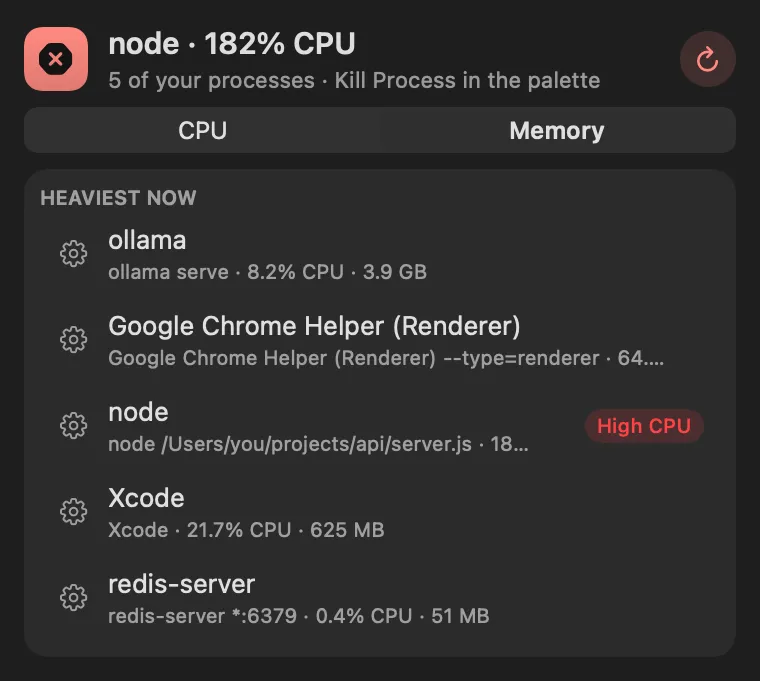
Sort by memory to find the heavy one
About
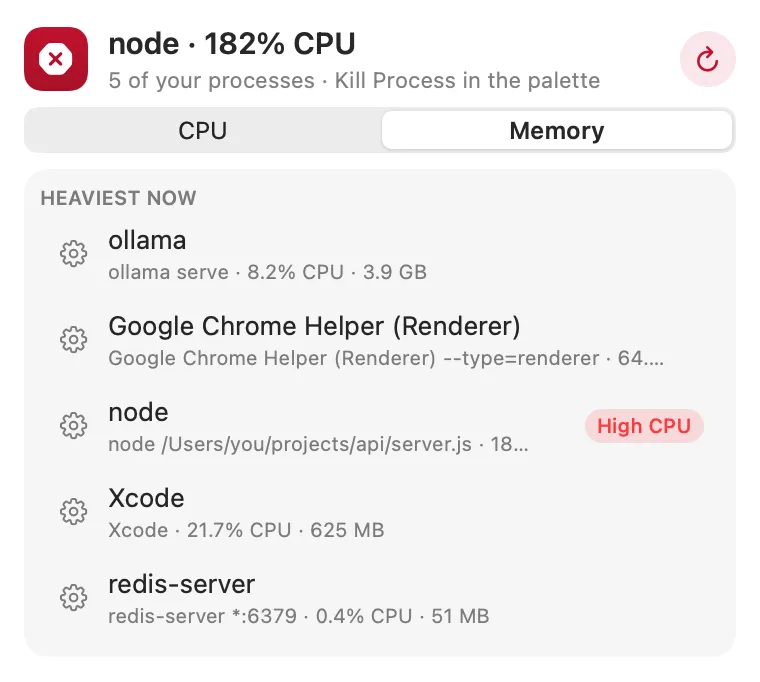
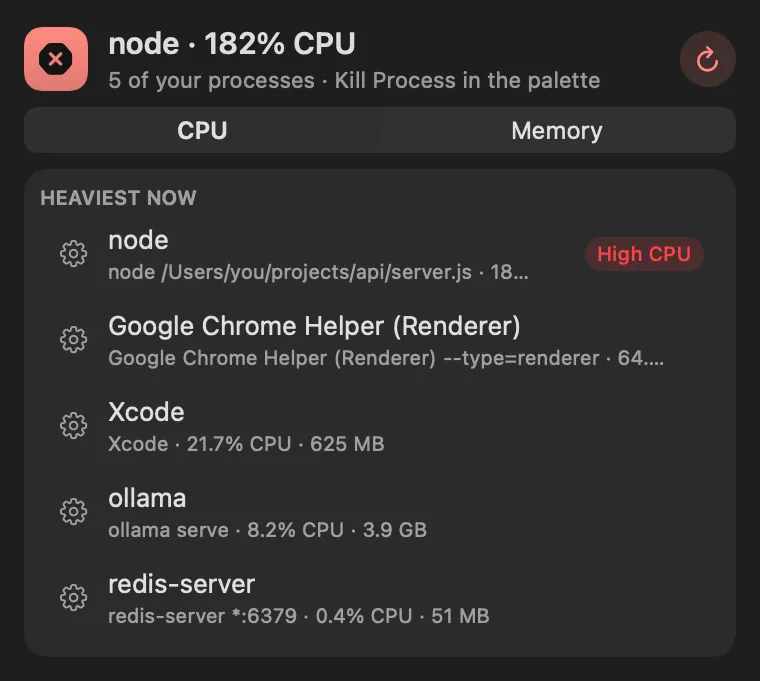
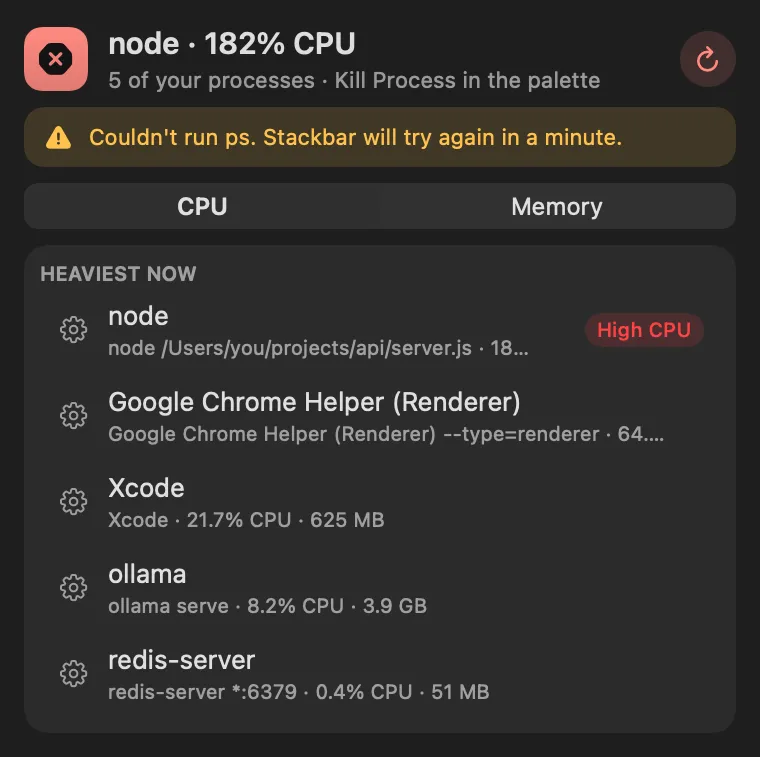
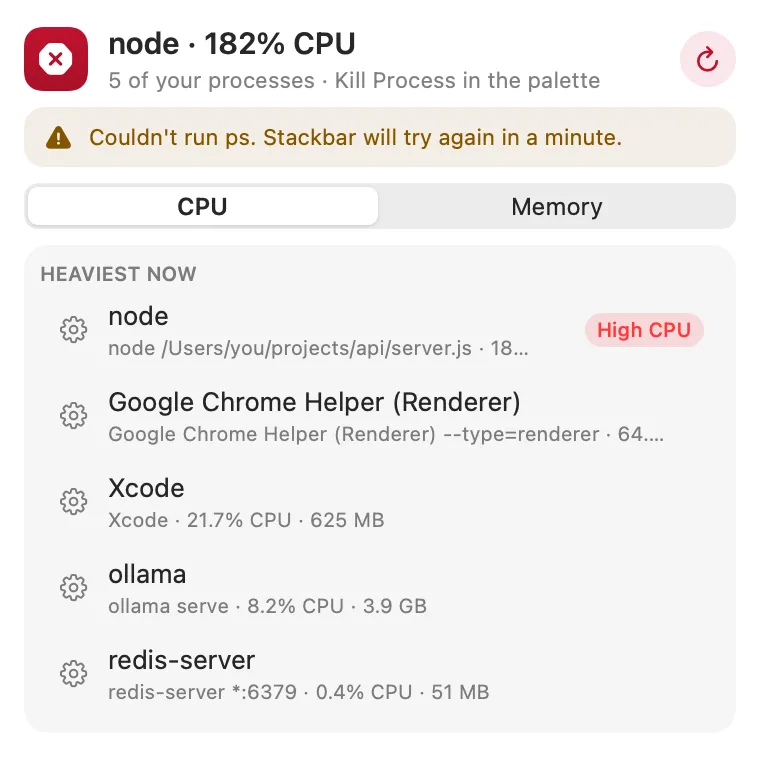
Find a stuck process by name and end it from the palette. Choose Kill Process and type part of the name, its command line or a pid: each row shows the command it runs and its CPU and memory. Return asks it to quit, and ⌘⇧Return force quits it. Quitting asks once more: press again within ten seconds. When several processes share a name, one action quits them all. The panel lists the heaviest processes, by CPU or memory, each with its command line.
Panel
Panel
Gallery
From anywhere
Every command is in Stackbar's palette, and can have its own hotkey, a stackbar:// link, or a Shortcuts action.
Inside
an alert when one of your processes stays busy: on or off, and the line it has to stay above (50%, 90% or 150% of a core).
other users' processes, and loginwindow, WindowServer, Dock, launchd and Stackbar itself, which would log you out or freeze the screen.
Install
Don't have Stackbar yet? Download it free.
stackbarctl install --index https://navbytes.github.io/stackbar-plugins/index.json io.navbytes.stackbar.plugins.kill-processVersion history
More system