Highlight
Everything waiting on your review
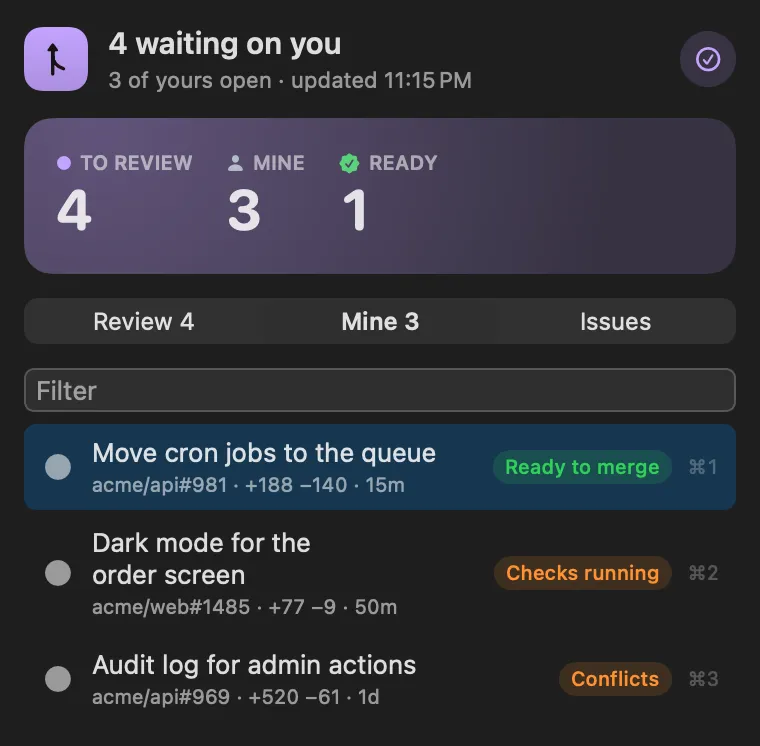
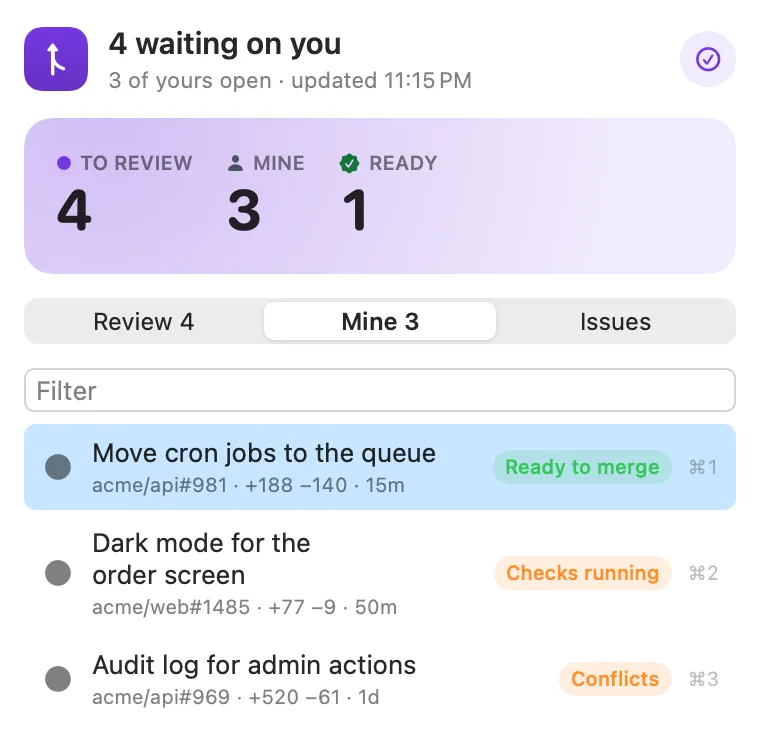
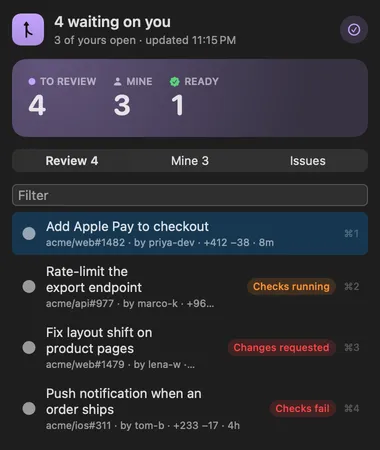
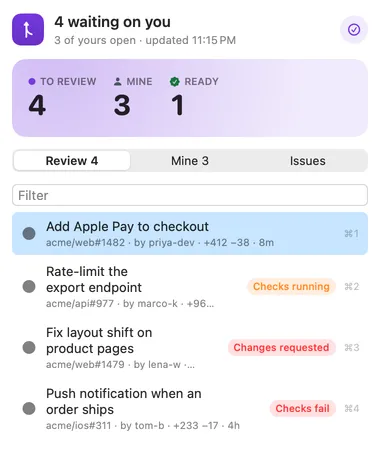
Every pull request waiting on you, with its CI, review state and conflicts. Open the next one with a single command, or snooze one until it changes.
Your pull requests, reviews and issues with CI and review state, and your repositories a keystroke away.

About
Your pull requests and the ones waiting on your review, with CI, review state and merge conflicts, in the menu bar; the issues assigned to you; and your repositories and new issues from the palette. It tells you when someone asks for your review, when an issue is assigned to you, and when one of your own pull requests is approved, gets changes requested, or fails its checks.
The separate GitHub plugin is now part of PR Cockpit. If you had it, you can
uninstall it: its repositories, assigned issues and Create GitHub Issue are
all here, with the same GITHUB_TOKEN.
Highlight
Every pull request waiting on you, with its CI, review state and conflicts. Open the next one with a single command, or snooze one until it changes.
Panel
See which of yours passed their checks, got approved or need changes, and get a notification the moment that changes.
Highlight
Search your repositories (recently opened first), jump to their pull requests, issues or Actions, copy a clone URL, or start a new issue.
Desktop widget
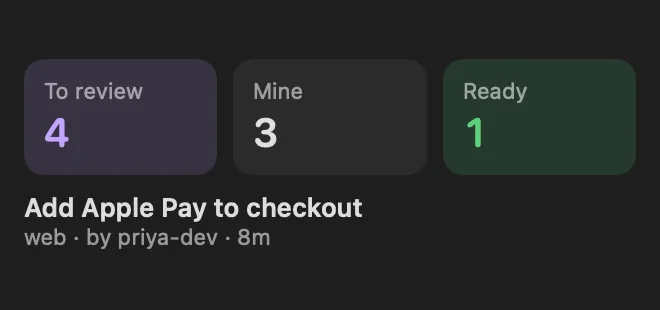
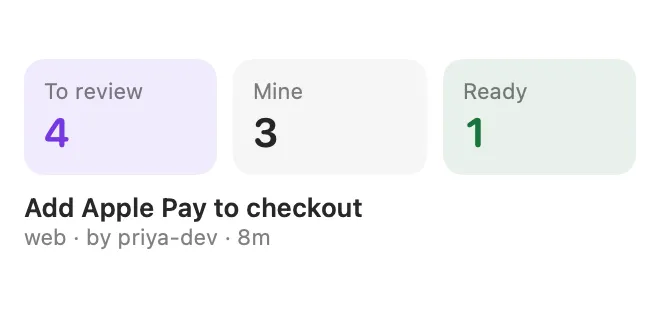
A widget keeps the review queue in view.
Gallery


From anywhere
Every command is in Stackbar's palette, and can have its own hotkey, a stackbar:// link, or a Shortcuts action.
Claude and other agents can call these over MCP while Stackbar runs:
review_queuemy_pull_requestsmy_issuesInside
include team review requests, include drafts, how recently a pull request or issue must have changed to show (any age, or the last week to three months), notifications, repositories (include archived, copy clone URLs as SSH or HTTPS, reload), repositories to hide, and the inbox view.
Install
Don't have Stackbar yet? Download it free.
stackbarctl install --index https://navbytes.github.io/stackbar-plugins/index.json io.navbytes.stackbar.pr-cockpitVersion history