Desktop widget
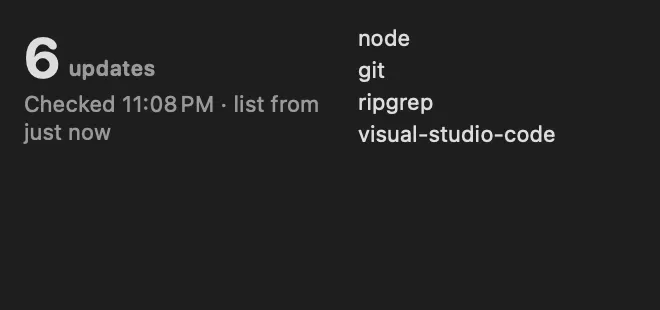
Updates waiting, on your desktop
About
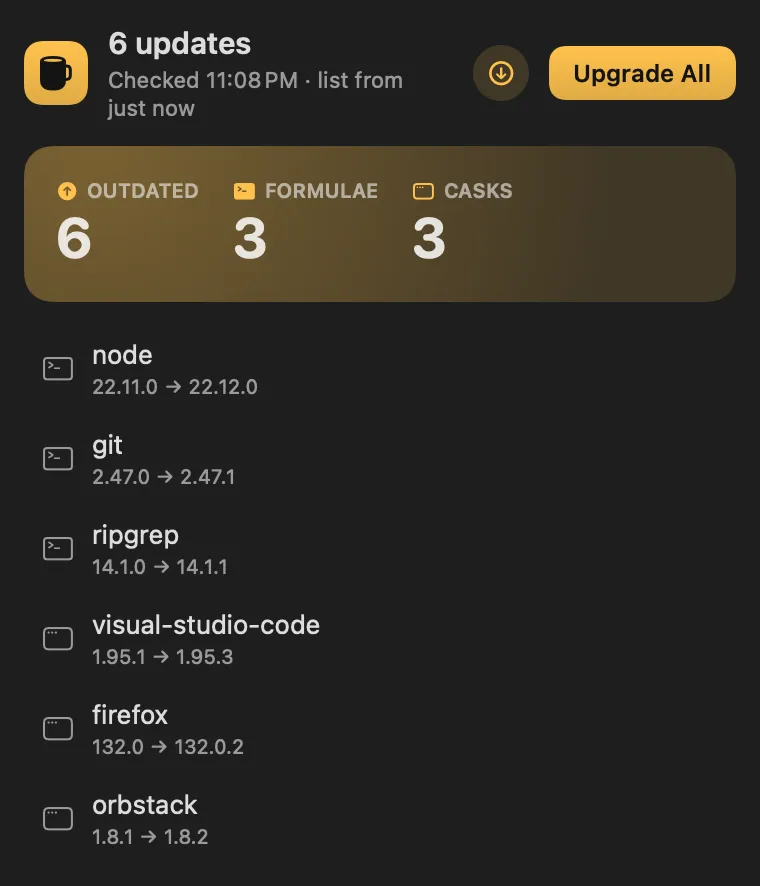
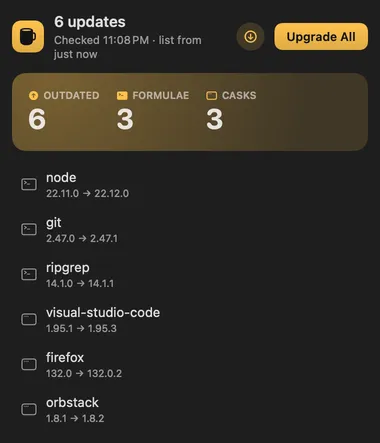
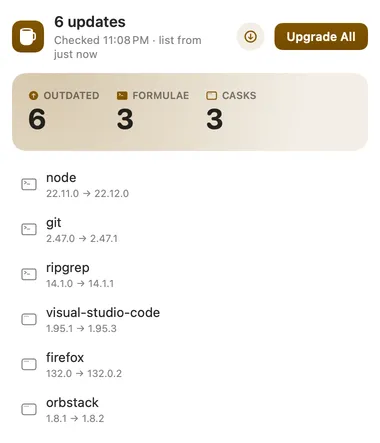
What Homebrew can upgrade, in the menu bar. The number is how many formulae and casks are outdated; the panel lists them with Upgrade on each row and Upgrade All at the bottom.
Desktop widget
Gallery


From anywhere
Every command is in Stackbar's palette, and can have its own hotkey, a stackbar:// link, or a Shortcuts action.
Inside
hourly and on wake it runs brew outdated --json=v2, which reads what Homebrew already knows. When that list is more than 6 hours old it runs brew update first (from the second check after launch, so the list shows right away), so the count doesn't go stale; the panel says how old the list is. Update Homebrew fetches it now.
show casks, hide pinned formulae, include casks that update themselves (--greedy), fetch the latest formulae every 6 hours (on by default), and a notification when new updates appear.
outdated lists what can be upgraded.
Install
Don't have Stackbar yet? Download it free.
stackbarctl install --index https://navbytes.github.io/stackbar-plugins/index.json io.navbytes.stackbar.plugins.homebrewVersion history