Panel
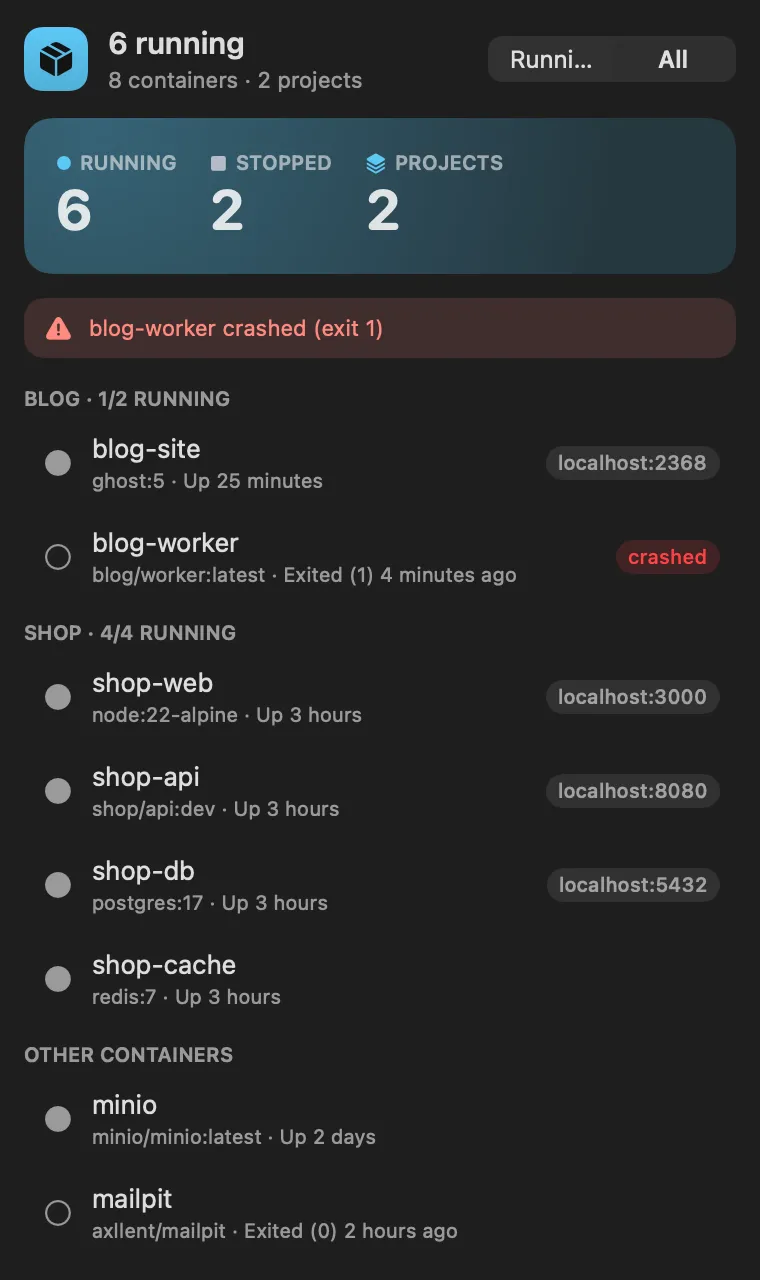
Catch the container that keeps crashing
About
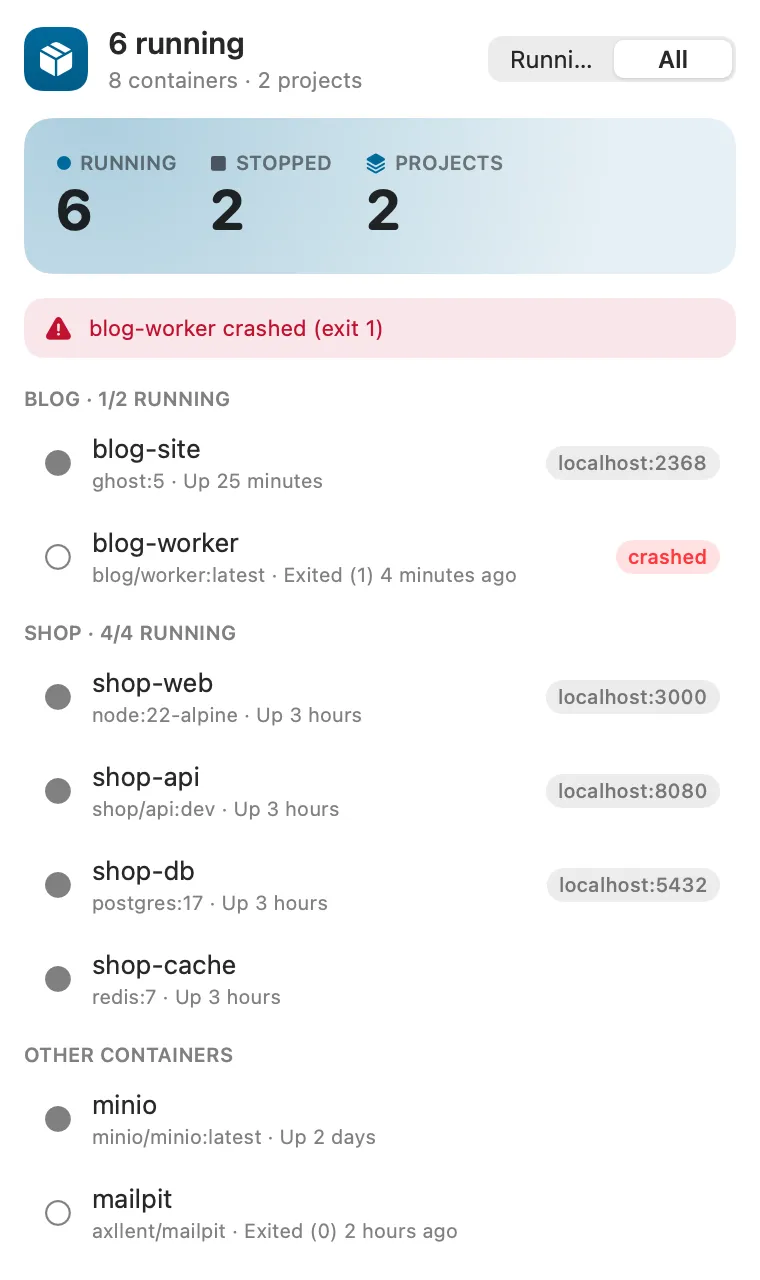
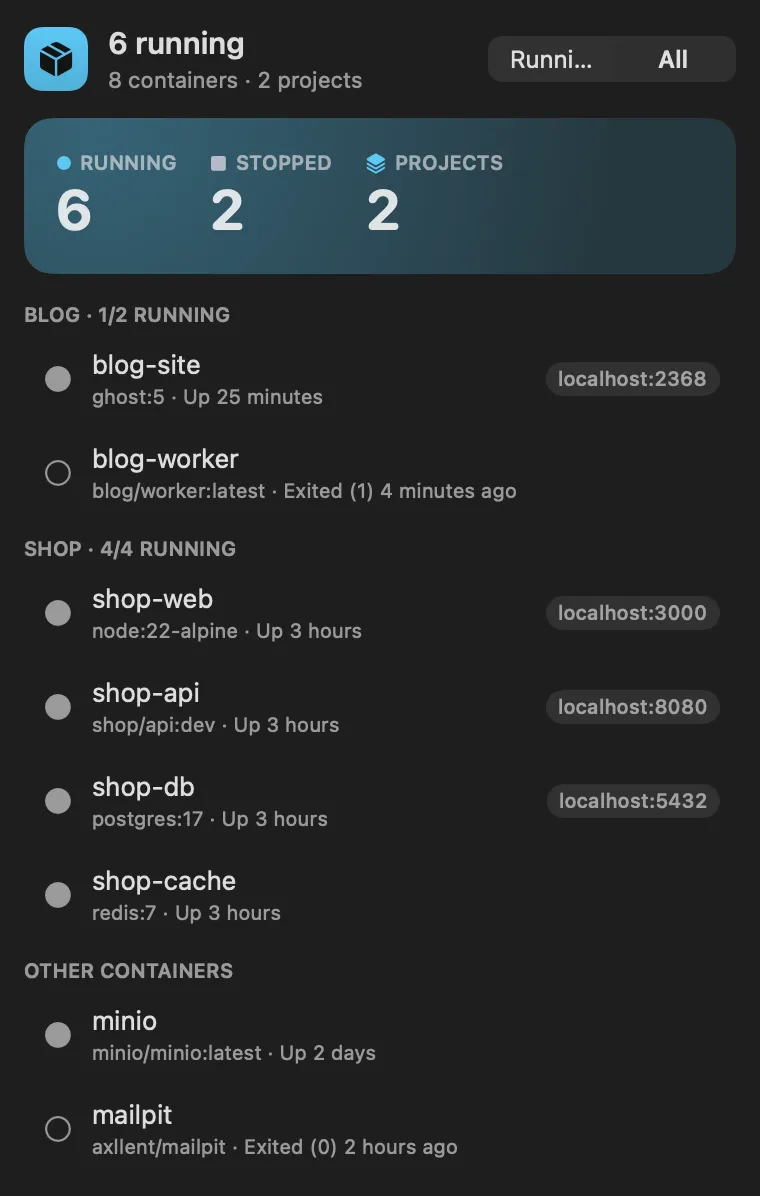
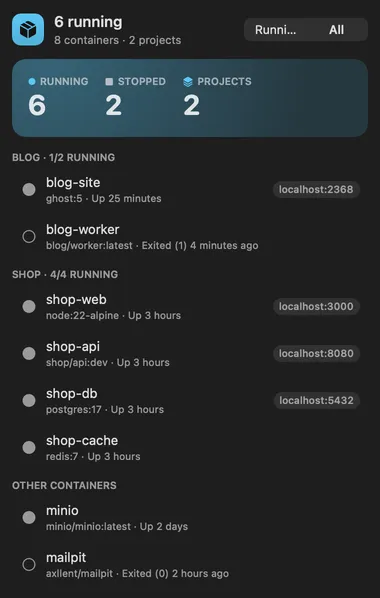
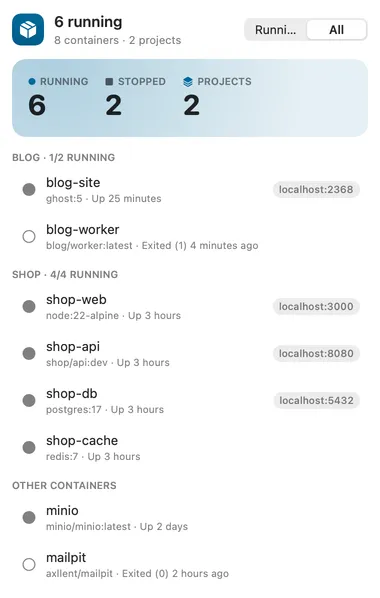
Your containers in the menu bar. The number is how many are running; the panel lists them grouped by Compose project, with Start, Stop, Restart, Logs, Open (for a published port), Copy ID and Remove.
Panel
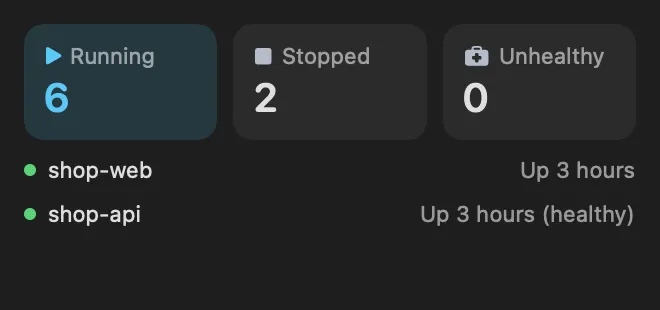
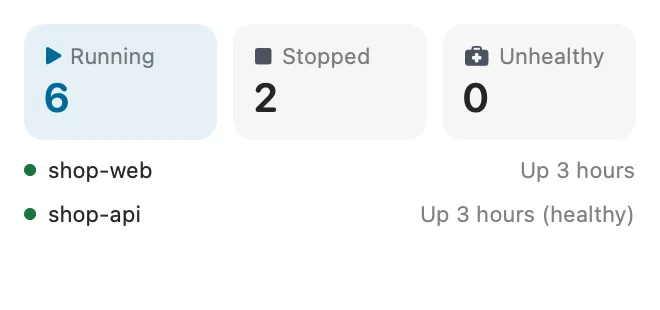
Desktop widget
Gallery


From anywhere
Every command is in Stackbar's palette, and can have its own hotkey, a stackbar:// link, or a Shortcuts action.
Inside
docker ps --all every 15 seconds while something runs, every minute otherwise.
a container that crashes (exits with an error on its own), turns unhealthy or keeps restarting sends a notification, turns the menu bar red with a count, and gets a banner in the panel until it is started again or removed. Stops from the panel don't count.
show stopped containers, group by Compose project, the trouble notification (on by default), and Remove Stopped Containers (docker container prune; images and volumes are left alone).
containers lists every container with its image and state.
Install
Don't have Stackbar yet? Download it free.
stackbarctl install --index https://navbytes.github.io/stackbar-plugins/index.json io.navbytes.stackbar.plugins.dockerVersion history