In the panel
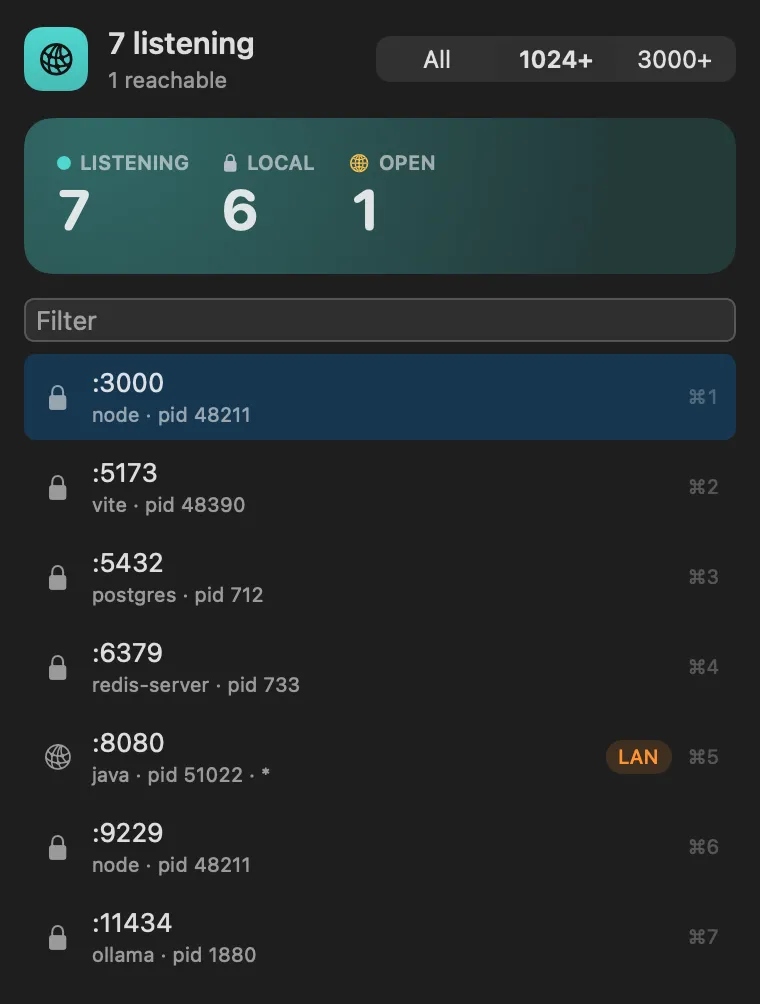
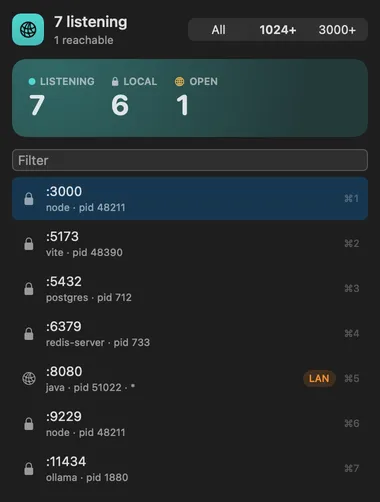
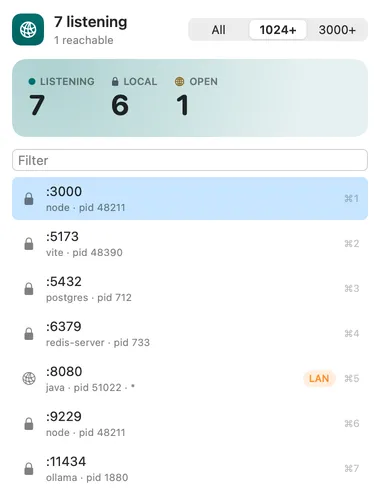
every listening port with its process and pid, marked local (127.0.0.1 or ::1 only) or open (all interfaces). Each row can open http://localhost:<port>, stop the process (SIGTERM), force quit it (SIGKILL) or copy its pid.
About
Which process is listening on which TCP port, and a way to stop it. The
command you’ll use most is Kill Port from the palette: type 3000 and
whatever holds it is asked to stop.
Processes owned by another user, like system services, can’t be stopped from here.
Gallery
From anywhere
Every command is in Stackbar's palette, and can have its own hotkey, a stackbar:// link, or a Shortcuts action.
Inside
every listening port with its process and pid, marked local (127.0.0.1 or ::1 only) or open (all interfaces). Each row can open http://localhost:<port>, stop the process (SIGTERM), force quit it (SIGKILL) or copy its pid.
hide ports below 1024 (or 3000).
listening lists ports with their processes.
Install
Don't have Stackbar yet? Download it free.
stackbarctl install --index https://navbytes.github.io/stackbar-plugins/index.json io.navbytes.stackbar.plugins.portsVersion history