← All plugins
Productivity

File Search

Find files and folders by name from the command palette, most recently used first.

  • Signed by navbytes
  • Runs in its own sandbox
  • v1.0.2

About

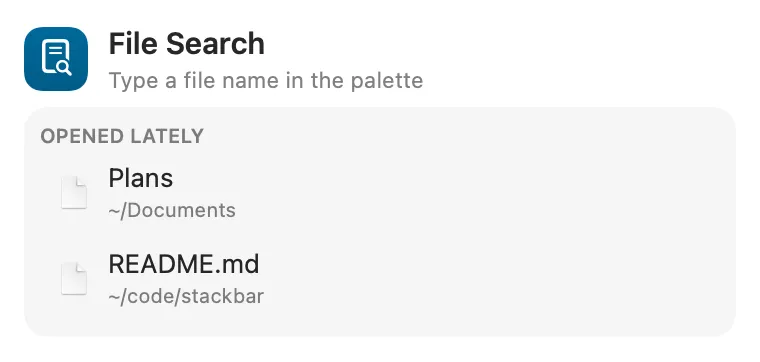
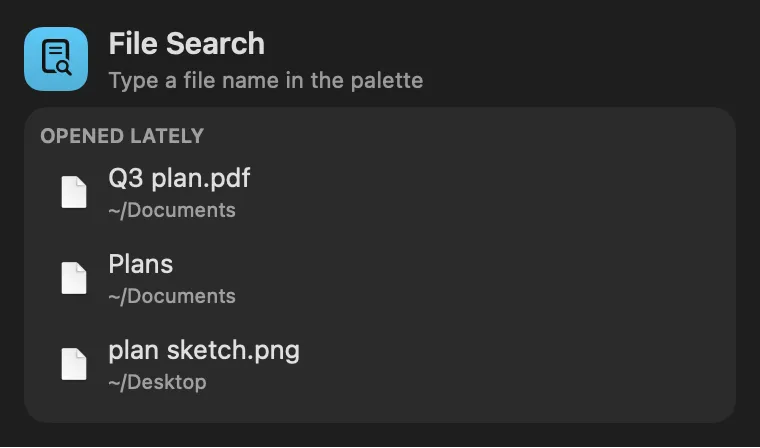
Files and folders by name in the command palette, from Spotlight’s index. Type three letters or more and the best matches show under Files in the results, most recently used first, each with its Finder icon. Return opens one; ⌘K shows it in Finder or copies its path. Search Files lists up to 20. Apps, anything inside an app or bundle, hidden files and Library internals are left out.

Panel

Folders too, with their Finder icons
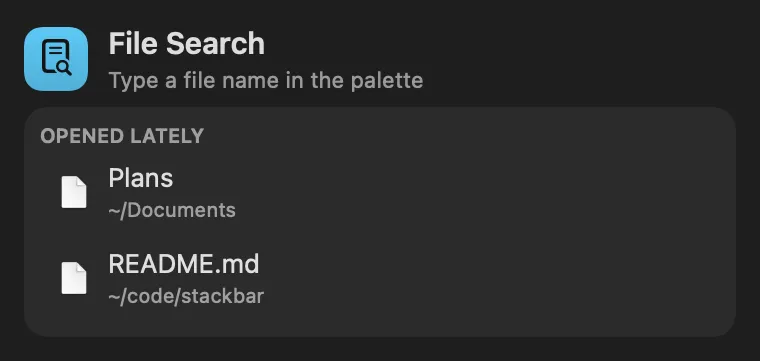
File Search: Folders too, with their Finder iconsFile Search: Folders too, with their Finder icons

From anywhere

Run it without opening it.

Every command is in Stackbar's palette, and can have its own hotkey, a stackbar:// link, or a Shortcuts action.

Install

Two clicks in Stackbar.

  1. Open it in Stackbar, or open Stackbar → Settings → Store and find File Search.
  2. Choose Install.
  3. It appears in your panel.

Don't have Stackbar yet? Download it free.

Or from a terminal
stackbarctl install --index https://navbytes.github.io/stackbar-plugins/index.json io.navbytes.stackbar.plugins.file-search
Version
1.0.2
Updated
November 8, 2026
Category
Productivity
Shows in
Panel
Requires
Stackbar 0.20.0 or later
Publisher
navbytes

Version history

What's new

  1. 1.0.2Latest
    • Opening a file and Show in Finder work again. Before, picking a file did nothing.
    • The files you opened lately stay in the panel after Stackbar restarts.
    • Going back over a search you just typed answers straight away instead of asking Spotlight again.
  2. 1.0.1
    • A Spotlight error no longer lingers when you clear the search back to a short query.
  3. 1.0.0
    • First release: the palette's file search, now a plugin.