← All plugins
Productivity

Browser Tabs

Switch to any open tab in Safari, Chrome, Arc, Brave or Edge, and search your bookmarks.

  • Signed by navbytes
  • Runs in its own sandbox
  • v1.2.1
Browser Tabs: Every tab, a few letters away

About

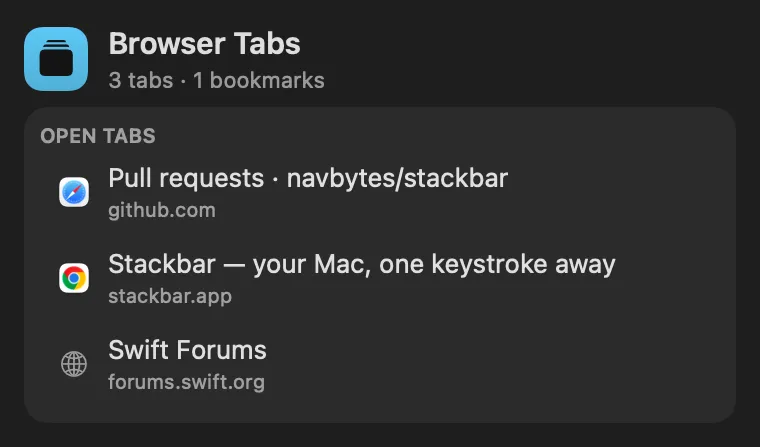
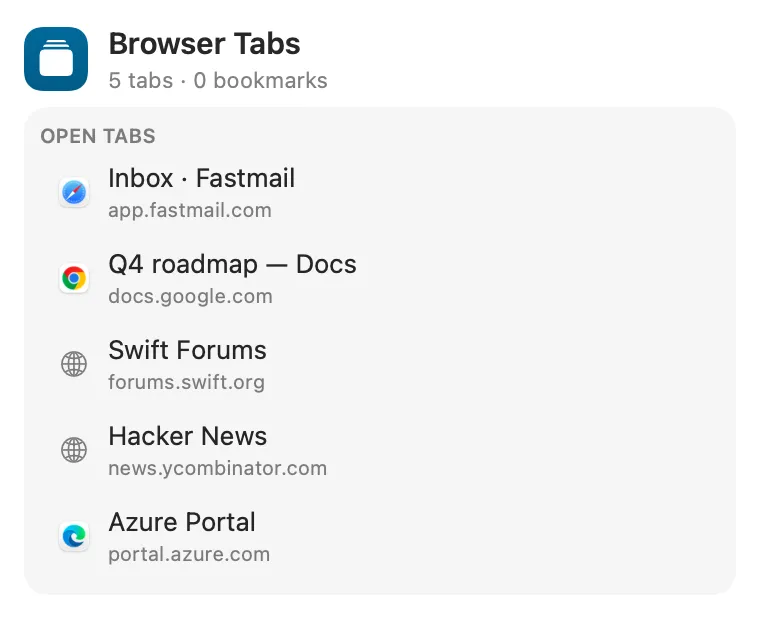
Your open browser tabs and your bookmarks in the palette. Search Browser Tabs lists every tab in Safari, Chrome, Arc, Brave and Edge while they run; type part of a title or address and Return switches to it (⌘W closes it, ⌘⇧C copies the link). Search Bookmarks finds the bookmarks Chrome, Brave, Edge and Vivaldi keep, and opens one in its browser.

Panel

Safari, Chrome, Arc, Brave and Edge in one list
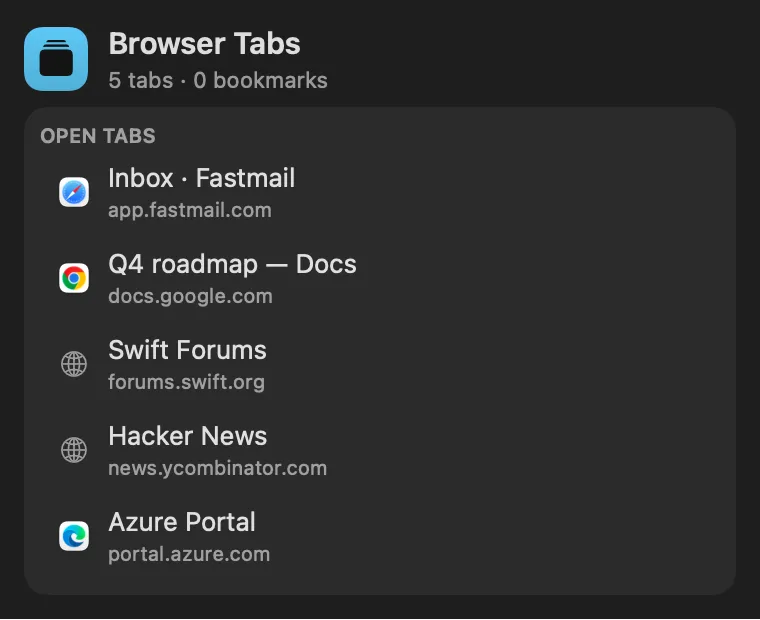
Browser Tabs: Safari, Chrome, Arc, Brave and Edge in one listBrowser Tabs: Safari, Chrome, Arc, Brave and Edge in one list
From anywhere

Run it without opening it.

Every command is in Stackbar's palette, and can have its own hotkey, a stackbar:// link, or a Shortcuts action.

Inside

Everything it does.

Leaves out

Safari's bookmarks, which macOS keeps behind Full Disk Access, and browser profiles other than the default one.

Install

Two clicks in Stackbar.

  1. Open it in Stackbar, or open Stackbar → Settings → Store and find Browser Tabs.
  2. Choose Install.
  3. It appears in your panel.

Don't have Stackbar yet? Download it free.

Or from a terminal
stackbarctl install --index https://navbytes.github.io/stackbar-plugins/index.json io.navbytes.stackbar.plugins.browser-tabs
Version
1.2.1
Updated
November 8, 2026
Category
Productivity
Shows in
Panel
Requires
Stackbar 0.35.0 or later
Publisher
navbytes

Version history

What's new

  1. 1.2.1Latest
    • Search Browser Tabs lists your tabs again. It said "No tabs open" for every browser, because the script that reads them wrote the word "tab" where it meant a tab character.
  2. 1.2.0
    • Close Tab says outright that it closes at once, so Stackbar doesn't ask.
    • Stackbar 0.35.0 now asks for the second press itself, the same way in the panel, the palette and every window, and VoiceOver reads the question.
  3. 1.1.0
    • Switching to or closing a tab checks that it's still the same page first. After you rearrange tabs, Close no longer closes a different tab, and a tab that has gone says so.
    • Copy as Markdown Link on every tab and bookmark.
    • When a browser doesn't answer, or its bookmarks can't be read, the panel says which one instead of showing nothing.
    • Tabs from the panel no longer show up in the palette's results with out-of-date titles.
    • A page title with a tab in it no longer breaks that tab's address.
  4. 1.0.1
    • Tabs are read from every running browser at the same time, so one slow browser no longer holds up the rest.
    • Bookmark search is lighter on big bookmark sets.
    • A bookmarks file too large to read now says so instead of showing no bookmarks.
  5. 1.0.0
    • First release.