← All plugins
Productivity

Emoji

Search every emoji by name in a grid, and paste it where you were typing.

  • Signed by navbytes
  • Runs in its own sandbox
  • v1.2.0
Emoji: Every emoji, a few letters away

About

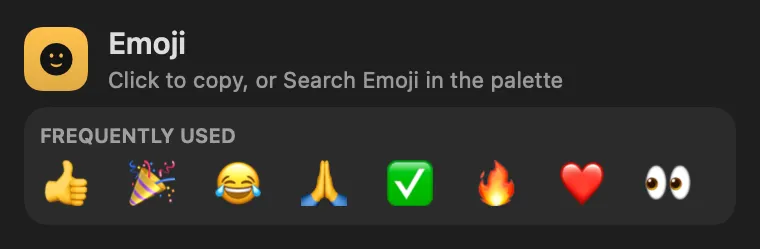
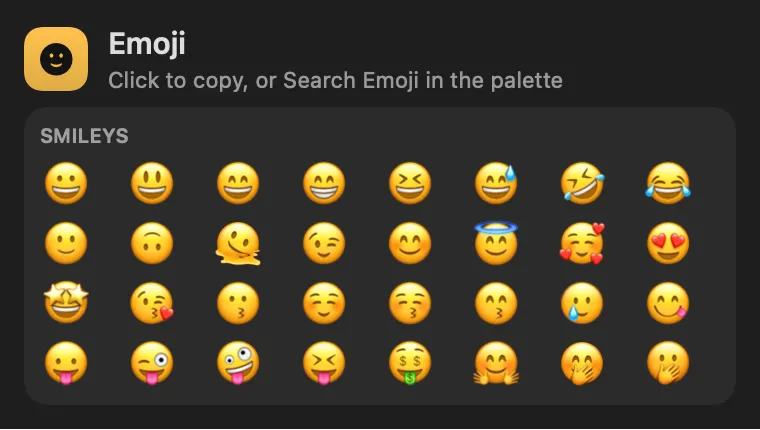
An emoji picker in the command palette. Search Emoji opens a grid of every emoji, grouped as Unicode groups them, with the ones you use most at the top. Type to narrow it (“party”, “thumbs up”, “flag japan”), move with the arrow keys, and press Return to paste the emoji where you were typing. ⌘K copies it instead. The panel keeps your frequent ones a click from the clipboard.

Panel

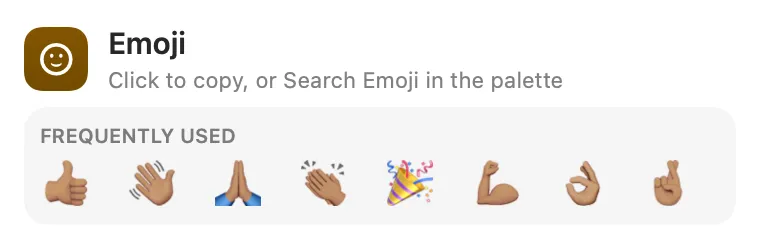
Your skin tone, every time
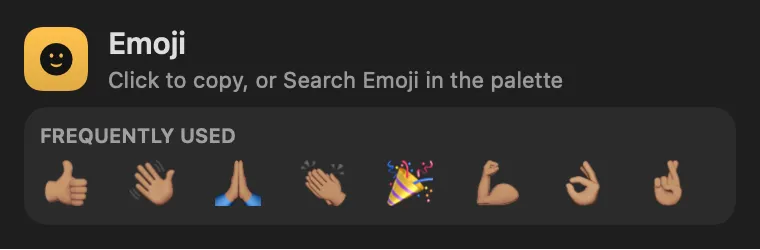
Emoji: Your skin tone, every timeEmoji: Your skin tone, every time

Panel

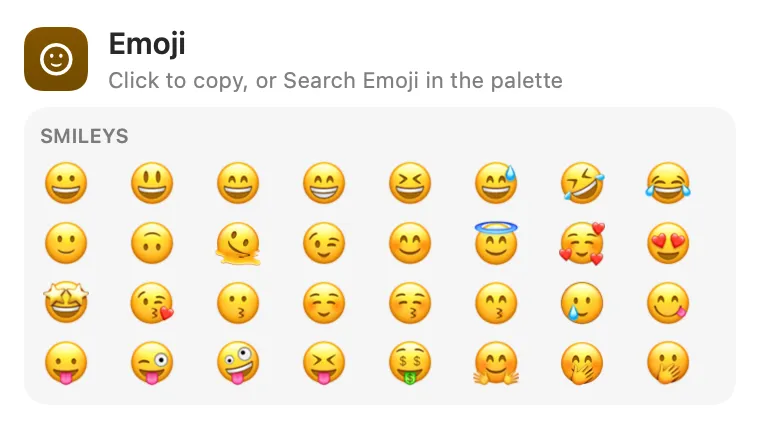
Every emoji, grouped

Emoji: Every emoji, groupedEmoji: Every emoji, grouped

From anywhere

Run it without opening it.

Every command is in Stackbar's palette, and can have its own hotkey, a stackbar:// link, or a Shortcuts action.

Inside

Everything it does.

Settings

a skin tone for hands and people.

Data

Unicode's Emoji 15.1 list and English names, with your chosen skin tone applied. Nothing leaves your Mac.

Install

Two clicks in Stackbar.

  1. Open it in Stackbar, or open Stackbar → Settings → Store and find Emoji.
  2. Choose Install.
  3. It appears in your panel.

Don't have Stackbar yet? Download it free.

Or from a terminal
stackbarctl install --index https://navbytes.github.io/stackbar-plugins/index.json io.navbytes.stackbar.plugins.emoji
Version
1.2.0
Updated
November 8, 2026
Category
Productivity
Shows in
Panel, Settings page
Requires
Stackbar 0.21.0 or later
Publisher
navbytes

Version history

What's new

  1. 1.2.0Latest
    • Pick a skin tone in Settings, and hands and people paste in it.
    • Everyday words find their emoji: happy, lol, love, yes, thanks, party, fire and more.
    • Accents and apostrophes no longer get in the way: "pinata" finds 🪅, "cote" finds Côte d’Ivoire, "oclock" finds the clocks.
    • Paste an emoji into the search to find it and its name.
    • At the palette's root, :thumbs-up and :100 work.
  2. 1.1.1
    • Hyphenated names are found: left-facing, heart-eyes, upside-down, star-struck.
    • Typing only a colon or a dash no longer lists the whole table as if it were a result.
    • Searching and browsing do less work on every keystroke and redraw.
  3. 1.1.0
    • Type a colon and a name, like :tada, in the palette to find an emoji without opening Emoji first.
  4. 1.0.0
    • First release: every emoji in a searchable grid in the palette.